clog
A highly customizable structured logger for command-line tools with a zerolog-inspired fluent API, terminal-aware colors, hyperlinks, and animations.
Features
- Structured fields - typed field methods (
Str,Int,Bool,Duration,JSON, …) with a fluent builder API - Animations - spinners, progress bars, pulse, and shimmer effects with concurrent groups
- Hyperlinks - clickable file paths and URLs via OSC 8, with IDE presets for VS Code, Cursor, Sublime, and more
- JSON highlighting - syntax-highlighted JSON output with configurable rendering modes
- Styling - full visual customisation via lipgloss, including per-key, per-value, and per-type colors
log/slogintegration - drop-inslog.Handlerbacked by clogklogintegration -logr.LogSinkbacked by clog, for klog and controller-runtimeNO_COLOR- respects theNO_COLORconvention out of the box
Installation
go get github.com/gechr/clog
Quick Start
package main

import (
  "fmt"

  "github.com/gechr/clog"
)

func main() {
  clog.Info().Str("port", "8080").Msg("Server started")
  clog.Warn().Str("path", "/old").Msg("Deprecated endpoint")
  err := fmt.Errorf("connection refused")
  clog.Error().Err(err).Msg("Connection failed")
}
Output:
INF ℹ️ Server started port=8080
WRN ⚠️ Deprecated endpoint path=/old
ERR ❌ Connection failed error=connection refused
Levels
| Level | Value | Label | Symbol | Description |
|---|---|---|---|---|
Trace | -20 | TRC | 🔍 | Finest-grained output, hidden by default |
Debug | -10 | DBG | 🐞 | Verbose output, hidden by default |
Info | 0 | INF | ℹ️ | General operational messages (default minimum level) |
Hint | 10 | HNT | 💡 | Tips or suggestions |
Dry | 20 | DRY | 🚧 | Dry-run indicators |
Success | 30 | OK | ✅ | Successful completion of an operation |
Notice | 35 | NTC | 🔔 | Noteworthy events that aren’t warnings |
Warn | 40 | WRN | ⚠️ | Warnings that don’t prevent operation |
Error | 50 | ERR | ❌ | Errors that need attention |
Fatal | 60 | FTL | 💥 | Fatal errors - calls os.Exit after logging |
Built-in levels use uniform gaps of 10 between them, leaving room for custom levels between every pair (see Custom Levels).
Setting the Level
// Programmatically
clog.SetLevel(clog.LevelDebug)

// From environment variable (CLOG_LOG_LEVEL is checked automatically on init)
// export CLOG_LOG_LEVEL=debug
Recognised CLOG_LOG_LEVEL values: trace, debug, info, hint, dry, success, notice, warn, warning, error, fatal, critical.
Setting trace or debug also enables timestamps.
Parsing Levels
ParseLevel converts a string to a Level value (case-insensitive):
level, err := clog.ParseLevel("debug")
Level implements encoding.TextMarshaler and encoding.TextUnmarshaler, so it works directly with flag.TextVar and most flag libraries.
Non-TTY Level
When output is piped or running in CI (non-TTY), you may want to suppress lower-severity messages while keeping them visible during interactive use. SetNonTTYLevel sets a separate minimum level that only applies to non-TTY writers:
clog.SetNonTTYLevel(clog.LevelWarn)
This suppresses Trace, Debug, and Info events when stdout is not a terminal, but leaves them visible during interactive use. The setting also applies to animation progress lines (spinners, bars, etc.).
Pass UnsetLevel to remove the filter and restore default behaviour:
clog.SetNonTTYLevel(clog.UnsetLevel)
Custom Levels
Define custom levels at any numeric value between the built-in levels. Use RegisterLevel to configure the label, symbol, style, and canonical name.
const AuditLevel clog.Level = clog.LevelDry + 5

func init() {
    clog.RegisterLevel(AuditLevel, clog.LevelConfig{
        Name:   "audit",
        Label:  "AUD",
        Symbol: "📋",
        Style:  new(lipgloss.NewStyle().Bold(true).Foreground(lipgloss.Color("4"))),
    })
}
Log with clog.Log(level):
clog.Log(AuditLevel).Msg("Config changed")
// AUD 📋 Config changed
Custom levels respect level filtering based on their numeric value. ParseLevel, MarshalText, and UnmarshalText all work with registered custom levels.
Use clog.Levels() to iterate all registered levels (built-in and custom) in ascending severity order.
Structured Fields
Events and contexts support typed field methods. All methods are safe to call on a nil receiver (disabled events are no-ops).
Event Fields
| Method | Signature | Description |
|---|---|---|
AnErr | AnErr(key string, err error) | Error as keyed field (no-op if nil); unlike Err, no special Send/Msg behavior |
Any | Any(key string, val any) | Arbitrary value |
Anys | Anys(key string, vals []any) | Arbitrary value slice |
Base64 | Base64(key string, val []byte) | Byte slice as base64 string |
Bool | Bool(key string, val bool) | Boolean field |
Bools | Bools(key string, vals []bool) | Boolean slice field |
Bytes | Bytes(key string, val []byte) | Byte slice - auto-detected as JSON with highlighting, otherwise string |
Column | Column(key, path string, line, column int) | Clickable file:line:column hyperlink |
Discard | Discard() | Disables the event; returns nil to short-circuit subsequent methods |
Dict | Dict(key string, dict *Event) | Nested fields with dot-notation keys |
Duration | Duration(key string, val time.Duration) | Duration field |
Durations | Durations(key string, vals []time.Duration) | Duration slice field |
Enabled | Enabled() bool | Returns true if the event is enabled (non-nil) |
Disabled | Disabled() bool | Returns true if the event is disabled (nil) |
Err | Err(err error) | Attach error; Send uses it as message, Msg/Msgf add "error" field |
Errs | Errs(key string, vals []error) | Error slice as string slice (nil errors render as <nil>) |
Float32 | Float32(key string, val float32) | 32-bit float field |
Float64 | Float64(key string, val float64) | 64-bit float field |
Floats32 | Floats32(key string, vals []float32) | 32-bit float slice field |
Floats64 | Floats64(key string, vals []float64) | 64-bit float slice field |
Fraction | Fraction(key string, current, total int, ...Option) | Current/total field with gradient color (e.g. 3/10) |
Func | Func(fn func(*Event)) | Lazy field builder; callback skipped on nil (disabled) events |
Hex | Hex(key string, val []byte) | Byte slice as hex string |
Int | Int(key string, val int) | Integer field |
Int8 | Int8(key string, val int8) | 8-bit integer field |
Int16 | Int16(key string, val int16) | 16-bit integer field |
Int32 | Int32(key string, val int32) | 32-bit integer field |
Int64 | Int64(key string, val int64) | 64-bit integer field |
Ints | Ints(key string, vals []int) | Integer slice field |
Ints8 | Ints8(key string, vals []int8) | 8-bit integer slice field |
Ints16 | Ints16(key string, vals []int16) | 16-bit integer slice field |
Ints32 | Ints32(key string, vals []int32) | 32-bit integer slice field |
Ints64 | Ints64(key string, vals []int64) | 64-bit integer slice field |
JSON | JSON(key string, val any) | Marshals val to JSON with syntax highlighting |
Line | Line(key, path string, line int) | Clickable file:line hyperlink |
Link | Link(key, url, text string) | Clickable URL hyperlink |
Links | Links(key string, links []Link) | Clickable URL hyperlink slice |
MsgFunc | MsgFunc(createMsg func() string) | Finalise with lazily-computed message; fn skipped on nil events |
Path | Path(key, path string) | Clickable file/directory hyperlink |
PathText | PathText(key, text, path string) | Clickable hyperlink with a custom label (text) that links to path |
Percent | Percent(key string, val float64, opts ...percent.Option) | Percentage with gradient color; accepts [percent.Option] values |
Quantities | Quantities(key string, vals []string) | Quantity slice field |
Quantity | Quantity(key, val string) | Quantity field (e.g. "10GB") |
RawJSON | RawJSON(key string, val []byte) | Pre-serialized JSON bytes, emitted verbatim with syntax highlighting |
Str | Str(key, val string) | String field |
Stringer | Stringer(key string, val fmt.Stringer) | Calls String() (nil-safe) |
Stringers | Stringers(key string, vals []fmt.Stringer) | Slice of fmt.Stringer values |
Strs | Strs(key string, vals []string) | String slice field |
Time | Time(key string, val time.Time) | Time field |
TimeDiff | TimeDiff(key string, t, start time.Time) | Duration between two times (zero if t is not after start) |
Times | Times(key string, vals []time.Time) | Time slice field |
Uint | Uint(key string, val uint) | Unsigned integer field |
Uint8 | Uint8(key string, val uint8) | 8-bit unsigned integer field |
Uint16 | Uint16(key string, val uint16) | 16-bit unsigned integer field |
Uint32 | Uint32(key string, val uint32) | 32-bit unsigned integer field |
Uint64 | Uint64(key string, val uint64) | 64-bit unsigned integer field |
Uints | Uints(key string, vals []uint) | Unsigned integer slice field |
Uints8 | Uints8(key string, vals []uint8) | 8-bit unsigned integer slice field |
Uints16 | Uints16(key string, vals []uint16) | 16-bit unsigned integer slice field |
Uints32 | Uints32(key string, vals []uint32) | 32-bit unsigned integer slice field |
Uints64 | Uints64(key string, vals []uint64) | 64-bit unsigned integer slice field |
URL | URL(key, url string) | Clickable URL hyperlink (URL as text) |
URLs | URLs(key string, urls []string) | Clickable URL hyperlink slice (URLs as text) |
When | When(condition bool, fn func(*Event)) | Conditional field builder; fn called only when condition is true |
Field Shapes
A field normally renders as key=value. SetFieldShapes changes which tokens a named key renders - dropping the key, or wrapping the value - without touching how it is coloured:
clog.SetFieldShapes(clog.FieldShapeMap{
  "region": {OmitKey: true, Prefix: "(", Suffix: ")"},
  "branch": {OmitKey: true, Prefix: "@"},
})

clog.Info().Str("region", "emea").Str("queue", "ingest").Msg("draining")
// INF ℹ️ draining (emea) queue=ingest
OmitKey drops the key and its separator; Prefix and Suffix wrap the value. Keys absent from the map render normally. Like SetParts, shapes replace any previously configured ones - pass nil to clear them.
Shapes compose with the styling tiers rather than competing with them: shape decides the tokens, KeyValues (or Keys, or Values) decides the colour, so a key can render as a badge and still colour each value differently.
clog.SetStyles(&style.Config{
  KeyValues: style.KeyValueMap{
    "region": {Values: style.ValueMap{
      "emea": new(lipgloss.NewStyle().Foreground(lipgloss.Color("2"))),
      "apac": new(lipgloss.NewStyle().Foreground(lipgloss.Color("4"))),
    }},
  },
})
// "(emea)" renders green, brackets included; "(apac)" blue.
The affixes take the value’s resolved style so the whole token reads as one unit. Values styled per segment or by gradient (durations, percentages, quantities, slices, highlighted JSON) have no single colour, so their affixes render plain unless a KeyValues, Keys or Values entry governs the key.
A few details worth knowing:
- Affixes wrap outside quoting and slice brackets: a quoted value renders
("emea north"), a slice renders⟨[a, b]⟩. - Shapes are structural, so they apply with colour off too - piped output shows the same tokens as a terminal.
- Sorting still uses the real key, even when it is hidden.
- Shapes apply to the built-in formatter, including animation task rows. A custom
Handlerreceives the raw fields.
Slice Formatting
Slice fields render as [a, b, c] by default. The brackets and separator are configurable:
clog.SetSliceSeparator(" ")        // [a b c]
clog.SetSliceBrackets('(', ')')    // (a, b, c)
clog.SetSliceBrackets('«', '»')    // «a, b, c»
clog.SetSliceBrackets('|', '|')    // |a, b, c| - same char for open and close
Duration Formatting
By default, Duration fields use the shared TimeScale: values below one second render in milliseconds (450ms), values below ten seconds render with up to one decimal place (1.5s, but 1s rather than 1.0s), and larger values round to whole seconds (12s). DurationMinimum defaults to 0, so sub-second values remain visible. Durations >= 1m use composite format (e.g. 1m30s, 2h15m). See FieldFormats for custom scales, scalar round/precision mode, and inheritance. Set DurationFormat to apply a custom formatter per logger instead:
f := clog.DefaultFieldFormats()
f.DurationFormat = commonutil.FormatDuration
clog.SetFieldFormats(f)

clog.Info().Duration("took", time.Since(start)).Msg("done")
// INF ℹ️ done took=2.3s
DurationFormat also applies as a fallback for Elapsed fields. Duration slices continue to use time.Duration.String() per element and do not apply TimeScale. See Elapsed Configuration for details.
Duration Gradient
Duration fields support the same green → yellow → red gradient as Elapsed fields. Enable it by setting a max duration:
f := clog.DefaultFieldFormats()
f.DurationGradientMax = 20 * time.Second
clog.SetFieldFormats(f)

clog.Info().Duration("duration", 2*time.Second).Msg("fast")    // green
clog.Info().Duration("duration", 10*time.Second).Msg("medium") // yellow
clog.Info().Duration("duration", 25*time.Second).Msg("slow")   // red (clamped)
When active, the gradient overrides the FieldDuration segment styles. See Duration Gradient in the styles reference for gradient mode and custom stop configuration.
Nested Fields (Dict)
Group related fields under a common key prefix using dot notation:
clog.Info().Dict("request", clog.Dict().
  Str("method", "GET").
  Int("status", 200),
).Msg("Handled")
// INF ℹ️ Handled request.method=GET request.status=200
Works with sub-loggers too:
logger := clog.With().Dict("db", clog.Dict().
  Str("host", "localhost").
  Int("port", 5432),
).Logger()
Finalising Events
clog.Info().Str("k", "v").Msg("message")  // Log with message
clog.Info().Str("k", "v").Msgf("n=%d", 5) // Log with formatted message
clog.Info().Str("k", "v").Send()           // Log with empty message
clog.Error().Err(err).Send()               // Log with error as message (no error= field)
clog.Error().Err(err).Msg("failed")        // Log with message + error= field

// Lazy message - fn only called when event is enabled:
clog.Debug().MsgFunc(func() string { return expensiveString() })
Styles
Customise the visual appearance using lipgloss styles:
clog.SetStyles(&style.Config{
  // Customise level colors
  Levels: style.LevelMap{
    clog.LevelError: new(
      lipgloss.NewStyle().Bold(true).Foreground(lipgloss.Color("9")), // bright red
    ),
  },
  // Customise field key appearance
  KeyDefault: new(
    lipgloss.NewStyle().Bold(true).Foreground(lipgloss.Color("12")), // bright blue
  ),
})
SetStyles merges non-zero fields into the existing configuration - only the fields you set are changed, all others keep their current values.
Value Coloring
Values are styled with a four-tier priority system - the first tier that applies wins:
- Key-value styles - per-key value styling: style a specific key’s values individually (see Per-Key Value Styles)
- Key styles - style all values of a specific field key
- Value styles - style values matching a typed key (bool
true!= string"true") - Type styles - style values by their Go type
clog.SetStyles(&style.Config{
  // 1. Key-value styles: only the "status" key, styled per value
  KeyValues: style.KeyValueMap{
    "status": {
      Values: style.ValueMap{
        "active": new(lipgloss.NewStyle().Foreground(lipgloss.Color("2"))), // green
        "failed": new(lipgloss.NewStyle().Foreground(lipgloss.Color("1"))), // red
      },
    },
  },
  // 2. Key styles: all values of the "path" field are blue
  Keys: style.Map{
    "path": new(lipgloss.NewStyle().Foreground(lipgloss.Color("4"))),
  },
  // 3. Value styles: typed key matches (bool `true` != string "true"), on any key
  Values: style.ValueMap{
    "PASS": new(lipgloss.NewStyle().Foreground(lipgloss.Color("2"))),
    "FAIL": new(lipgloss.NewStyle().Foreground(lipgloss.Color("1"))),
  },
  // 4. Type styles
  FieldString: new(lipgloss.NewStyle().Foreground(lipgloss.Color("15"))),
  FieldNumber: new(lipgloss.NewStyle().Foreground(lipgloss.Color("5"))),
  FieldError:  new(lipgloss.NewStyle().Foreground(lipgloss.Color("1"))),
})
Per-Key Value Styles
KeyValues scopes value styling to a single field key: if the key is "status", then style these values this way. Unlike Values (which matches a value on any key), a KeyValue entry only affects the named key, so the same value can be styled differently - or left alone - under a different key.
clog.SetStyles(&style.Config{
  KeyValues: style.KeyValueMap{
    "status": {
      Values: style.ValueMap{
        "active":  new(lipgloss.NewStyle().Foreground(lipgloss.Color("2"))), // green
        "pending": new(lipgloss.NewStyle().Foreground(lipgloss.Color("3"))), // yellow
        "failed":  new(lipgloss.NewStyle().Foreground(lipgloss.Color("1"))), // red
      },
      Default: new(lipgloss.NewStyle().Faint(true)), // any other "status" value
    },
  },
})

clog.Info().Str("status", "active").Msg("ok")   // "active" → green
clog.Info().Str("status", "queued").Msg("wait") // no match → faint (Default)
clog.Info().Str("state", "active").Msg("other") // key "state" → unaffected
A KeyValue entry fully governs its key. When the key has an entry, that entry is authoritative and the lower tiers (Keys, Values, type styles) are never consulted for it:
- The value is present in
Values→ that style. - Otherwise
Defaultis set →Default. - Otherwise → plain (unstyled). It does not fall through to
Keys[key],Values, or the type style.
Values keys use Go equality, so a typed true (bool) is distinct from "true" (string) - the same typed-value rules as the top-level Values map.
Styling decides a key’s colour; Field Shapes decide its tokens. The two compose, so a key can render as a bare badge and still take a different colour per value.
Styles Reference
| Field | Type | Alias | Default |
|---|---|---|---|
Backtick | Style | pink | |
BacktickMode | style.BacktickMode | style.BacktickStrip | |
DeadlineGradient | []style.ColorStop | green → yellow → red | |
DeadlineGradientMode | style.GradientMode | style.GradientFade | |
DurationGradient | []style.ColorStop | green → yellow → red | |
DurationGradientMode | style.GradientMode | style.GradientFade | |
DurationThresholds | map[string][]Threshold | ThresholdMap | {} |
DurationUnits | map[string]Style | Map | {} |
ElapsedGradient | []style.ColorStop | green → yellow → red | |
ElapsedGradientMode | style.GradientMode | style.GradientFade | |
FieldDuration | SegmentStyle | magenta number and unit | |
FieldElapsed | SegmentStyle | nil (→ FieldDuration) | |
FieldError | Style | red | |
FieldFractionSeparator | Style | nil (→ value color, faint) | |
FieldNumber | Style | magenta | |
FieldPercent | Style | nil | |
FieldQuantity | SegmentStyle | magenta number and unit | |
FieldQuote | *QuoteStyle | nil (→ value’s style) | |
FieldString | Style | white | |
FieldTime | Style | magenta | |
KeyDefault | Style | blue | |
Keys | map[string]Style | Map | {} |
KeyValues | map[string]KeyValue | KeyValueMap | {} |
Levels | map[Level]Style | LevelMap | per-level bold colors |
Messages | map[Level]Style | LevelMap | style.DefaultMessages() |
PercentGradient | []style.ColorStop | red → yellow → green | |
Prompt | Style | nil | |
QuantityThresholds | map[string][]Threshold | ThresholdMap | {} |
QuantityUnits | map[string]Style | Map | {} |
Separator | Style | faint | |
Symbols | map[Level]Style | LevelMap | {} |
Timestamp | Style | faint | |
Values | map[any]Style | ValueMap | style.DefaultValues() |
Syntax Highlighting
Per-token styles for the Printer. Each has a Default*() constructor with Dracula-inspired colors. Set to nil to disable highlighting for that format.
| Field | Type | Default |
|---|---|---|
HCL | *style.HCL | style.DefaultHCL() |
JSON | *style.JSON | style.DefaultJSON() |
TOML | *style.TOML | style.DefaultTOML() |
YAML | *style.YAML | style.DefaultYAML() |
See Printer for per-format token style tables.
Field Descriptions
| Field | Description |
|---|---|
Backtick | Style for text inside backtick pairs in messages and string field values, nil to disable |
BacktickMode | Backtick delimiters: BacktickStrip drops them, BacktickKeep keeps them (width-stable) |
DeadlineGradient | Gradient color stops for Deadline fields; active when the field’s From > 0 (max is the countdown window) |
DeadlineGradientMode | Gradient transition mode: GradientFade (smooth) or GradientStep (discrete) |
DurationGradient | Gradient color stops for Duration fields; active when FieldFormats.DurationGradientMax > 0 |
DurationGradientMode | Gradient transition mode: GradientFade (smooth) or GradientStep (discrete) |
DurationThresholds | Duration unit -> magnitude-based style thresholds |
DurationUnits | Duration unit string -> style override |
ElapsedGradient | Gradient color stops for Elapsed fields; active when FieldFormats.ElapsedGradientMax > 0 |
ElapsedGradientMode | Gradient transition mode: GradientFade (smooth) or GradientStep (discrete) |
FieldDuration | Number/unit segment styles for duration values (e.g. “1” and “m” in “1m30s”), nil segments to disable |
FieldElapsed | Number/unit segment styles for elapsed-time values; nil segments fall back to FieldDuration |
FieldError | Style for error field values, nil to disable |
FieldFractionSeparator | Style for the / in fraction values; nil keeps the value’s color and adds the faint attribute |
FieldNumber | Style for int/float field values, nil to disable |
FieldPercent | Base style for Percent fields (foreground overridden by gradient), nil to disable |
FieldQuantity | Number/unit segment styles for quantity values (e.g. “5” and “km” in “5km”), nil segments to disable |
FieldQuote | Style for the quote delimiters around quoted values (set Inherit to keep the value’s color) |
FieldString | Style for string field values, nil to disable |
FieldTime | Style for time.Time field values, nil to disable |
KeyDefault | Style for field key names without a per-key override, nil to disable |
Keys | Field key name -> value style override |
KeyValues | Field key name -> per-value styles; fully governs its key (see Per-Key Value Styles) |
Levels | Per-level label style (e.g. “INF”, “ERR”), nil to disable |
Messages | Per-level message text style, nil to disable |
PercentGradient | Gradient color stops for Percent fields |
Prompt | Style for the prompt marker set via SetPromptMarker (see Input), nil to disable |
QuantityThresholds | Quantity unit -> magnitude-based style thresholds |
QuantityUnits | Quantity unit string -> style override |
Separator | Style for the separator between key and value |
Symbols | Per-level symbol style |
Timestamp | Style for the timestamp, nil to disable |
Values | Typed value -> style (uses Go equality, so bool true != string "true") |
Configuration
Behavioural settings are configured via setter methods on Logger (or package-level convenience functions for the Default logger):
| Setter | Type | Default | Description |
|---|---|---|---|
SetAnimationInterval | time.Duration | 67ms | Minimum refresh interval for all animations (0 = use built-in rates) |
SetFieldSort | Sort | SortNone | Sort order: SortNone, SortAscending, SortDescending |
SetSeparatorText | string | "=" | Key/value separator string |
Field formatting behaviour (gradient maxima, format functions, percent precision, hyperlink formats, etc.) is configured per-logger via the FieldFormats struct - see Field Formats.
Each Threshold pairs a minimum value with style overrides:
type SegmentStyle struct {
  Number Style // Style for the number segment (nil = keep default).
  Unit   Style // Style for the unit segment (nil = keep default).
}

type Threshold struct {
  Value float64      // Minimum numeric value (inclusive) to trigger this style.
  Style SegmentStyle // Style overrides for number and unit segments.
}
Thresholds are evaluated in descending order - the first match wins:
styles.QuantityThresholds["ms"] = style.Thresholds{
  {Value: 5000, Style: style.SegmentStyle{Number: redStyle, Unit: redStyle}},
  {Value: 1000, Style: style.SegmentStyle{Number: yellowStyle, Unit: yellowStyle}},
}
Value styles only apply at Info level and above by default. Use SetFieldStyleLevel to change the threshold.
Backtick Spans
Text inside a matched pair of backticks - in the message or in string field values - is rendered with the Backtick style. Its default violet-pink adapts to the detected terminal background: deeper on light terminals and paler on dark terminals. By default the delimiters are dropped (style.BacktickStrip), which shrinks the message by two visible columns per span. For pre-aligned content such as grid-padded table rows, use style.BacktickKeep to render the delimiters as part of the styled span, so the visible width is exactly what was written:
clog.SetStyles(&style.Config{BacktickMode: style.BacktickKeep})
An unmatched backtick is content, not a delimiter, and is left untouched in both modes. A non-color writer always leaves backticks exactly as written.
Per-Level Message Styles
Style the log message text differently for each level:
clog.SetStyles(&style.Config{
  Messages: style.LevelMap{
    clog.LevelError: new(lipgloss.NewStyle().Foreground(lipgloss.Color("1"))),
    clog.LevelWarn:  new(lipgloss.NewStyle().Foreground(lipgloss.Color("3"))),
  },
})
Use style.DefaultMessages() to get the defaults (unstyled for all levels).
Use style.DefaultValues() to get the default value styles (true=green, false=red, nil=grey, ""=grey).
Use style.DefaultPercentGradient() to get the default red → yellow → green gradient stops used for Percent fields.
Percent Gradient Direction
By default the Percent gradient runs red (0%) → yellow (50%) → green (100%) - useful when a higher value is better (e.g. battery, health score). For metrics where a lower value is better (CPU usage, disk usage, error rate), reverse the gradient:
// Logger-wide: all Percent fields
f := clog.DefaultFieldFormats()
f.PercentReverseGradient = true
clog.SetFieldFormats(f)

// Per-field: just this Percent field, regardless of the logger setting
clog.Info().
  Percent("cpu", 0.92, percent.WithReverseGradient()).
  Percent("battery", 0.85).
  Msg("System status")
// "cpu" renders red at 92%, "battery" renders green at 85%
percent.WithReverseGradient() is a percent.Option passed directly to Event.Percent. It toggles the logger’s PercentReverseGradient setting for that field - so if the gradient is already reversed, percent.WithReverseGradient() flips it back to normal. This makes it easy to mix metrics with different semantics on the same log line regardless of the logger default.
Duration Gradient
Color Duration fields on a gradient that transitions from green (fast) through yellow to red (slow). Set a max duration to enable the gradient - duration values are mapped onto 0→max, clamping at max:
f := clog.DefaultFieldFormats()
f.DurationGradientMax = 20 * time.Second
clog.SetFieldFormats(f)
When active, the gradient overrides the FieldDuration segment styles and colors the entire formatted string. When the max is 0 (the default) or DurationGradient stops are nil, the existing number/unit split styling is used.
Use style.DefaultElapsedGradient() to get the default green → yellow → red gradient stops (shared with Elapsed by default).
The DurationGradientMode field controls transition style - see Gradient Mode below.
Override the gradient max, stops, or transition mode for a single Duration field, regardless of the logger’s FieldFormats/style.Config settings, using options from the duration package:
import "github.com/gechr/clog/field/duration"

// Logger default: 20s gradient max
clog.SetDurationGradientMax(20 * time.Second)

clog.Info().
  Duration("latency", d).                                                 // uses the 20s default
  Duration("timeout_check", d2, duration.WithGradientMax(1*time.Second)). // this field maxes out at 1s
  Msg("request handled")
Elapsed Gradient
Color elapsed-time fields on a gradient that transitions from green (fast) through yellow to red (slow). Set a max duration to enable the gradient - elapsed values are mapped onto 0→max, clamping at max:
f := clog.DefaultFieldFormats()
f.ElapsedGradientMax = 30 * time.Second
clog.SetFieldFormats(f)
When active, the gradient overrides the FieldElapsed segment styles and colors the entire formatted string. When the max is 0 (the default) or ElapsedGradient stops are nil, the existing number/unit split styling is used.
Use style.DefaultElapsedGradient() to get the default green → yellow → red gradient stops used for Elapsed fields (the same stops back DurationGradient and DeadlineGradient by default).
Per-Field Overrides
Override the gradient max, stops, or transition mode for a single Elapsed field, regardless of the logger’s FieldFormats/style.Config settings, using options from the elapsed package:
import "github.com/gechr/clog/field/elapsed"

// Logger default: 30s gradient max
clog.SetElapsedGradientMax(30 * time.Second)

clog.Info().
  Elapsed("elapsed").                                            // uses the 30s default
  Elapsed("quick_step", elapsed.WithGradientMax(2*time.Second)). // this field maxes out at 2s
  Msg("batch complete")
elapsed.WithGradient(stops...) overrides the color stops, and elapsed.WithGradientMode(mode) overrides fade vs. step transitions, for that field only:
clog.Info().Elapsed("elapsed",
  elapsed.WithGradientMax(5*time.Second),
  elapsed.WithGradient(
    style.ColorStop{Position: 0, Color: colorful.Color{R: 0, G: 1, B: 1}}, // cyan
    style.ColorStop{Position: 1, Color: colorful.Color{R: 1, G: 0, B: 1}}, // magenta
  ),
  elapsed.WithGradientMode(style.GradientStep),
).Msg("render")
elapsed.WithMinimum(d) overrides ElapsedMinimum for that field only - the field is hidden entirely when its duration falls below d, regardless of the logger’s threshold:
clog.SetElapsedMinimum(time.Second) // logger default: hide fields under 1s

clog.Info().
  Elapsed("elapsed").                               // hidden if under 1s
  Elapsed("critical_step", elapsed.WithMinimum(0)). // always shown
  Msg("batch complete")
elapsed.WithRound(d) overrides the logger’s scale-resolved rounding for that field only - the field’s value is rounded at granularity d instead, and 0 disables rounding for the field:
// Logger default: live elapsed fields round to whole seconds.

clog.Info().
  Elapsed("elapsed").                                            // rounds to 1s
  Elapsed("quick_step", elapsed.WithRound(time.Millisecond)).    // sub-second values stay visible
  Msg("batch complete")
These options work the same way on animated builders - fx.Builder.Elapsed (see Spinner) accepts the same elapsed.Option values for its auto-updating field.
elapsed.WithScale selects a magnitude-keyed TimeScale for one field; it is useful when a deliberate variable-width live timer is preferable to the stable whole-second default. A per-field WithRound takes precedence over a per-field or logger scale.
The duration package mirrors this for Duration fields: duration.WithGradientMax, duration.WithGradient, duration.WithGradientMode (see Duration Gradient above), duration.WithMinimum, which overrides DurationMinimum for that field only, duration.WithRound, and duration.WithScale. The deadline package accepts deadline.WithRound and deadline.WithScale; deadline scale settings otherwise inherit from elapsed.
Gradient Mode
DurationGradientMode, ElapsedGradientMode, and DeadlineGradientMode all control how colors transition between stops:
| Mode | Description |
|---|---|
style.GradientFade | Smooth interpolation between stops (default) |
style.GradientStep | Discrete color jumps at stop boundaries |
Fade blends smoothly between adjacent color stops using perceptually uniform CIE-LCh interpolation. Step uses the color of the last stop whose position is ≤ the current value - no blending.
clog.SetStyles(&style.Config{ElapsedGradientMode: style.GradientStep})
Custom Stops
clog.SetStyles(&style.Config{
  ElapsedGradient: []style.ColorStop{
    {Position: 0, Color: colorful.Color{R: 0, G: 1, B: 0}}, // green
    {Position: 1, Color: colorful.Color{R: 1, G: 0, B: 0}}, // red
  },
})
Format Hooks
Override the default formatting for Elapsed and Percent fields via FieldFormats:
f := clog.DefaultFieldFormats()

// Custom elapsed format: truncate to whole seconds
f.ElapsedFormat = func(d time.Duration) string {
  return d.Truncate(time.Second).String()
}

// Custom percent format: "75/100" instead of "75%"
f.PercentFormat = func(v float64) string {
  return fmt.Sprintf("%.0f/100", v)
}

clog.SetFieldFormats(f)
When set to nil (the default), the built-in formatters are used (the resolved scalar/scale precision for time fields, and strconv.FormatFloat with PercentPrecision + “%” for percent). Custom percent format functions receive the display percentage (0–100), not the raw stored value.
Field Sort Order
Control the order fields appear in log output. By default fields preserve insertion order.
// Sort fields alphabetically by key
clog.SetFieldSort(clog.SortAscending)

// Or reverse alphabetical
clog.SetFieldSort(clog.SortDescending)
| Constant | Description |
|---|---|
SortNone | Preserve insertion order (default) |
SortAscending | Sort fields by key A→Z |
SortDescending | Sort fields by key Z→A |
clog.Info().
  Str("zoo", "animals").
  Str("alpha", "first").
  Int("count", 42).
  Msg("Sorted")
// SortNone:       INF ℹ️ Sorted zoo=animals alpha=first count=42
// SortAscending:  INF ℹ️ Sorted alpha=first count=42 zoo=animals
// SortDescending: INF ℹ️ Sorted zoo=animals count=42 alpha=first
Hyperlinks
Render clickable terminal hyperlinks using OSC 8 escape sequences:
// Typed field methods (recommended)
clog.Info().Path("dir", "src/").Msg("Directory")
clog.Info().PathText("bin", "~/bin/foo", "/home/user/bin/foo").Msg("Label differs from target")
clog.Info().Line("file", "config.yaml", 42).Msg("File with line")
clog.Info().Column("loc", "main.go", 42, 10).Msg("File with line and column")
clog.Info().URL("docs", "https://example.com/docs").Msg("See docs")
clog.Info().Link("docs", "https://example.com", "docs").Msg("URL")

// Slice variants
clog.Info().URLs("refs", []string{"https://a.com", "https://b.com"}).Msg("References")
clog.Info().Links("repos", []clog.Link{
    {URL: "https://github.com/foo/bar", Text: "foo/bar"},
    {URL: "https://github.com/baz/qux", Text: "baz/qux"},
}).Msg("Repositories")

// Standalone functions (for use with Str)
link := clog.PathLink("config.yaml", 42)                        // file path with line number
link := clog.PathLink("src/", 0)                                // directory (no line number)
link := clog.PathLinkText("~/bin/foo", "/home/user/bin/foo", 0) // custom label, links to full path
link := clog.Hyperlink("https://example.com", "docs")           // arbitrary URL
Custom link labels
PathText (and the standalone PathLinkText) render a visible label that differs from the link target, so you can show an abbreviated or home-contracted path while still linking to its full location:
// Display ~/bin/foo, but the hyperlink resolves to /home/user/bin/foo.
clog.Warn().PathText("path", "~/bin/foo", "/home/user/bin/foo").Msg("Shadowing binary on $PATH")
IDE Integration
Configure hyperlinks to open files directly in your editor via FieldFormats:
f := clog.DefaultFieldFormats()

// Generic fallback for any path (file or directory)
f.HyperlinkPathFormat = "vscode://file{path}"

// File-specific (overrides path format for files)
f.HyperlinkFileFormat = "vscode://file{path}"

// Directory-specific (overrides path format for directories)
f.HyperlinkDirFormat = "finder://{path}"

// File+line hyperlinks (Line, PathLink with line > 0)
f.HyperlinkLineFormat = "vscode://file{path}:{line}"
f.HyperlinkLineFormat = "idea://open?file={path}&line={line}"

// File+line+column hyperlinks (Column)
f.HyperlinkColumnFormat = "vscode://file{path}:{line}:{column}"

clog.SetFieldFormats(f)
Use {path}, {line}, and {column} (or {col}) as placeholders. Default format is file://{path}.
Format resolution order:
| Context | Fallback chain |
|---|---|
| Directory | HyperlinkDirFormat -> HyperlinkPathFormat -> file://{path} |
| File (no line) | HyperlinkFileFormat -> HyperlinkPathFormat -> file://{path} |
| File + line | HyperlinkLineFormat -> file://{path} |
| File + column | HyperlinkColumnFormat -> HyperlinkLineFormat -> file://{path} |
These can also be set via environment variables:
export CLOG_HYPERLINK_FORMAT="vscode"                      # named preset (sets all slots)
export CLOG_HYPERLINK_PATH_FORMAT="vscode://{path}"        # generic fallback
export CLOG_HYPERLINK_FILE_FORMAT="vscode://file{path}"    # files only
export CLOG_HYPERLINK_DIR_FORMAT="finder://{path}"         # directories only
export CLOG_HYPERLINK_LINE_FORMAT="vscode://{path}:{line}"
export CLOG_HYPERLINK_COLUMN_FORMAT="vscode://{path}:{line}:{column}"
CLOG_HYPERLINK_FORMAT accepts a preset name and configures all slots at once. Individual format vars override the preset for their specific slot. Environment variables apply to the Default logger’s FieldFormats.
Named Presets
Hyperlink format fields accept a preset name (e.g. "vscode") in place of a full format string - it is expanded for that slot when SetFieldFormats is called:
f := clog.DefaultFieldFormats()
f.HyperlinkLineFormat = "vscode"
clog.SetFieldFormats(f)
To apply a preset to all format slots at once, use hyperlink.Preset (or set CLOG_HYPERLINK_FORMAT=vscode in the environment):
import "github.com/gechr/clog/field/hyperlink"

cfg, err := hyperlink.Preset("vscode")
if err != nil {
  // unknown preset name
}

f := clog.DefaultFieldFormats()
f.HyperlinkPathFormat = cfg.PathFormat
f.HyperlinkFileFormat = cfg.FileFormat
f.HyperlinkDirFormat = cfg.DirFormat
f.HyperlinkLineFormat = cfg.LineFormat
f.HyperlinkColumnFormat = cfg.ColumnFormat
clog.SetFieldFormats(f)
| Preset | Scheme |
|---|---|
cursor | cursor:// |
kitty | file:// with #line |
macvim | mvim:// |
subl | subl:// |
textmate | txmt:// |
vscode | vscode:// |
vscode-insiders | vscode-insiders:// |
vscodium | vscodium:// |
Non-terminal output
Piped output, NO_COLOR and ColorNever all rule out OSC 8, which would otherwise leave a label with no way to reach its target. HyperlinkFallback decides what replaces the escape sequence:
f := clog.DefaultFieldFormats()
f.HyperlinkFallback = hyperlink.FallbackExpanded
clog.SetFieldFormats(f)

// Or on the Default logger directly.
clog.SetHyperlinkFallback(hyperlink.FallbackExpanded)
| Mode | Renders |
|---|---|
FallbackURL | https://example.com |
FallbackExpanded | docs (https://example.com) |
FallbackMarkdown | [docs](https://example.com) |
FallbackText | docs |
FallbackURL is the default: a label usually abbreviates its URL, so the URL is what a piped log line needs to stay actionable. Choose FallbackText for the pre-fallback behaviour of emitting the label alone.
The mode applies to links whose target is independent of their label - Hyperlink, Link, Links, URL and URLs. Path fields (Path, PathText, Line, Column and the slice variants) always render their label alone, since that label already carries the path.
Set the mode from the environment with a mode name:
export CLOG_HYPERLINK_FALLBACK=expanded
Enabling / Disabling
Hyperlinks are enabled by default (when colors are active). Disable them programmatically:
f := clog.DefaultFieldFormats()
f.HyperlinkEnabled = false // disable all hyperlink rendering
clog.SetFieldFormats(f)
OSC 8 sequences are automatically dropped when colors are disabled; see Non-terminal output for what is emitted instead.
Sub-loggers & Context
Sub-loggers
Create sub-loggers with preset fields using the With() context builder:
logger := clog.With().Str("component", "auth").Logger()
logger.Info().Str("user", "john").Msg("Authenticated")
// INF ℹ️ Authenticated component=auth user=john
Context fields support the same typed methods as events.
Context Propagation
Store a logger in a context.Context and retrieve it deeper in the call stack:
logger := clog.With().Str("request_id", "abc-123").Logger()
ctx := logger.WithContext(ctx)

// later, in any function that receives ctx:
clog.Ctx(ctx).Info().Msg("Handling request")
// INF ℹ️ Handling request request_id=abc-123
Ctx returns clog.Default() when the context is nil or contains no logger, so it is always safe to call.
A package-level WithContext convenience stores clog.Default():
ctx := clog.WithContext(ctx) // stores clog.Default()
Input
Prompt for a line of input from the terminal:
name, err := clog.Input("Name: ")
Input writes the prompt to the logger’s output, then reads a line from its input (os.Stdin by default). Reading is a plain newline-delimited read - the terminal’s own canonical line editing already provides backspace, Ctrl-U, and Ctrl-W for free, and Ctrl-C terminates the process exactly as it would at any other prompt, so Input never hangs waiting for input that isn’t coming.
Prompt from one goroutine at a time: Input and Password are not safe for concurrent use, and log lines emitted from other goroutines while a prompt is pending may interleave with it.
Password
Password is Input with typed characters not echoed to the screen, via term.ReadPassword:
pass, err := clog.Password("Password: ")
term.ReadPassword only disables local echo; it leaves the terminal’s own Ctrl-C/Ctrl-Z handling intact, so Password deliberately defers to it rather than a bespoke raw-mode reader. Outside of a real terminal (piped input, tests), Password behaves exactly like Input - there’s no echo to suppress.
Options
Both Input and Password accept InputOption values. Password is exactly Input with clog.WithSensitive(true) applied:
secret, err := clog.Input("Token: ", clog.WithSensitive(true))
Use WithClearOnSuccess, WithClearOnError, or WithClearOnDone to erase the prompt/input line after the read completes:
name, err := clog.Input("Name: ", clog.WithClearOnDone())
Clearing only applies when the logger’s output is a terminal. Redirected output keeps the prompt text and never receives cursor-control escape sequences.
Prompt marker
SetPromptMarker sets a leading marker prepended to every prompt, so all prompts on a logger share one visual identity without threading the marker through each call:
clog.SetPromptMarker("❯ ")
name, err := clog.Input("Name: ") // "❯ Name: "
The marker is rendered with the Prompt style (see Styles), letting it carry its own color independent of the prompt message:
markerStyle := lipgloss.NewStyle().Foreground(lipgloss.Color("#FF69B4"))
clog.SetStyles(&style.Config{Prompt: &markerStyle})
Pass "" to disable the marker. It is dropped, along with all other colors, when the logger’s output has color disabled.
Testing
SetInput overrides the reader Input/Password read from, so prompts can be driven in tests without a real terminal:
clog.SetInput(strings.NewReader("alice\n"))
name, _ := clog.Input("Name: ") // "alice", no TTY required
Per-logger usage
Input and Password are also available on any *clog.Logger:
logger := clog.NewWriter(os.Stdout)
name, err := logger.Input("Name: ")
Hooks
Hooks let you run code at specific points in the log write lifecycle. Register them with AddHook and a HookPoint.
Hook Points
| Point | When |
|---|---|
HookBeforeWrite | Just before each log line is written |
HookAfterWrite | Just after each log line is written |
Usage
// Clear a spinner line before log output
clog.AddHook(clog.HookBeforeWrite, func() {
    fmt.Print("\r\033[K")
})

// Restore a prompt after log output
clog.AddHook(clog.HookAfterWrite, func() {
    fmt.Print(">>> ")
})
Multiple hooks per point run in registration order.
Clearing Hooks
clog.ClearHooks(clog.HookBeforeWrite) // clear one point
clog.ClearAllHooks()                  // clear all points
Notes
- Hooks are called under the logger’s mutex - they must not call back into the same logger.
- Hooks fire for all log levels and for both the built-in formatter and custom handlers.
- Sub-loggers inherit parent hooks.
- Per-logger methods:
logger.AddHook(point, fn),logger.ClearHooks(point),logger.ClearAllHooks().
Handlers
Implement the Handler interface for custom output formats:
type Handler interface {
  Log(Entry)
}
The Entry struct provides Level, Time, Message, Symbol, Indent, Tree, and Fields. The logger handles level filtering, field accumulation, timestamps, and locking - the handler only formats and writes.
// Using HandlerFunc adapter
clog.SetHandler(clog.HandlerFunc(func(e clog.Entry) {
  data, _ := json.Marshal(e)
  fmt.Println(string(data))
}))
Example output:
{"level":"info","symbol":"ℹ️","message":"Server started","fields":[{"key":"port","value":"8080"}]}
Level serializes as a human-readable string (e.g. "info", "error"). Time is omitted when timestamps are disabled. Symbol, Indent, Tree, and Fields are omitted when empty/zero.
log/slog Integration
Use sloghandler.New to create a slog.Handler backed by a clog logger. This lets any code that accepts slog.Handler or *slog.Logger produce clog-formatted output.
import "github.com/gechr/clog/sloghandler"

h := sloghandler.New(clog.Default(), nil)
logger := slog.New(h)

logger.Info("request handled", "method", "GET", "status", 200)
// INF ℹ️ request handled method=GET status=200
Options
h := sloghandler.New(clog.Default(), &sloghandler.Options{
  AddSource: true,           // include source file:line in each entry
  Level:     slog.LevelWarn, // override minimum level (nil = use logger's level)
})
Level Mapping
| slog level | clog level |
|---|---|
< LevelDebug | clog.LevelTrace |
LevelDebug | clog.LevelDebug |
LevelInfo | clog.LevelInfo |
LevelWarn | clog.LevelWarn |
LevelError | clog.LevelError |
> LevelError | clog.LevelFatal |
Records mapped to LevelFatal are logged but do not call os.Exit - only clog’s own Fatal().Msg() does that.
Groups and Attrs
WithGroup and WithAttrs work as expected. Groups use dot-notation keys matching clog’s Dict() pattern:
import "github.com/gechr/clog/sloghandler"

h := sloghandler.New(clog.Default(), nil)
logger := slog.New(h).WithGroup("req")

logger.Info("handled", "method", "GET", "status", 200)
// INF ℹ️ handled req.method=GET req.status=200
klog Integration
Use kloghandler.SetKlog to route k8s.io/klog/v2 through a clog logger. Once set, klog stops writing to its own files and streams, so its flags need no further attention.
import "github.com/gechr/clog/kloghandler"

kloghandler.SetKlog(clog.Default(), nil)

klog.InfoS("reconciled", "name", "example")
// INF ℹ️ reconciled name=example
logr
klog has no handler interface of its own - klog.SetLogger accepts a logr.Logger, so the bridge is really a logr.LogSink. That makes it usable by anything built on logr, not just klog:
import "github.com/gechr/clog/kloghandler"

ctrl.SetLogger(kloghandler.NewLogger(clog.Default(), nil))
New returns the bare logr.LogSink when a consumer wants to wrap it itself.
Options
kloghandler.SetKlog(clog.Default(), &kloghandler.Options{
  AddSource:    true,                      // include source file:line in each entry
  Verbosity:    &verbosity,                // cap the V-level (nil = use the logger's level)
  NameKey:      "component",               // field key for WithName (default "logger")
  KlogSeverity: true,                      // keep the severity of unstructured klog calls
  LevelFor:     kloghandler.VerbosityLevel, // custom V-level mapping
})
Level Mapping
logr has no levels, only verbosity: Info carries a V-level and Error does not. The default mapping follows logr’s own convention.
| logr call | clog level |
|---|---|
V(0) | clog.LevelInfo |
V(1) | clog.LevelDebug |
V(2)+ | clog.LevelTrace |
Error | clog.LevelError |
Kubernetes components tend to treat V(4) as debug and V(5) as trace instead. Set LevelFor to follow that or any other scheme:
opts := &kloghandler.Options{
  LevelFor: func(verbosity int) clog.Level {
    switch {
    case verbosity < 4:
      return clog.LevelInfo
    case verbosity == 4:
      return clog.LevelDebug
    default:
      return clog.LevelTrace
    }
  },
}
Verbosity
klog applies its own -v flag before a verbose call ever reaches the sink, so a trace-level clog logger alone will not surface klog.V(2) entries. Verbosity raises klog’s -v to match, wiring both ends of the bridge to the same ceiling:
verbosity := 4
kloghandler.SetKlog(clog.Default(), &kloghandler.Options{Verbosity: &verbosity})

klog.V(4).InfoS("cache synced")
// TRC 🔍 cache synced
Leave it nil to keep whatever -v the program already parsed.
Severity
klog only forwards a severity for its structured calls. Its unstructured ones - Info, Warning, Error, Fatal - are formatted into a line first and arrive as plain Info, so klog.Warning is logged at clog.LevelInfo.
KlogSeverity recovers the real severity by reading klog’s own formatted line instead:
kloghandler.SetKlog(clog.Default(), &kloghandler.Options{KlogSeverity: true})

klog.Warning("careful")
// WRN ⚠️ careful
That carries two costs:
- Unstructured verbose calls such as
klog.V(4).Infoarrive asInfo, because klog stamps them with anInfoheader. - klog hands the formatted line straight to the callback without consulting the sink, so
VerbosityandLevelFordo not apply to it. klog’s own-vgate and the logger’s level still do.
Structured calls are unaffected - they bypass the formatted line entirely, so their fields, V-level and sink gating all survive.
Because the severity lives in the header, SetKlog forces -skip_headers back off when KlogSeverity is set. Without a header the severity is not merely lost: a message that happens to be header-shaped would be read as one and forge its own.
Records mapped to clog.LevelFatal do not call os.Exit from clog’s side; klog.Fatal terminates the process itself, as it always has - writing goroutine stacks directly to stderr on its way out, whatever logger is installed.
Names and Values
WithName segments are joined with a dot and emitted as a single field, the convention logr backends share. WithValues pairs are preset on every entry:
logger := kloghandler.NewLogger(clog.Default(), nil)

logger.WithName("controller").WithName("pod").WithValues("namespace", "default").Info("synced")
// INF ℹ️ synced logger=controller.pod namespace=default
A value implementing logr.Marshaler is resolved through MarshalLog first. A key that is not a string is formatted with fmt.Sprint, and a trailing value with no key is recorded under !BADKEY.
Restoring klog
ClearKlog hands logging back to klog itself:
kloghandler.ClearKlog()
klog’s logger is process-wide and not thread-safe to swap, so set it during initialization, before other goroutines log.
Part Order
Control which parts appear in log output and in what order. The default order is: timestamp, level, symbol, message, fields.
// Reorder: show message before level
clog.SetParts(clog.PartMessage, clog.PartLevel, clog.PartSymbol, clog.PartFields)

// Hide parts by omitting them
clog.SetParts(clog.PartLevel, clog.PartMessage, clog.PartFields) // no symbol or timestamp

// Fields before message
clog.SetParts(clog.PartLevel, clog.PartFields, clog.PartMessage)
Available parts: PartTimestamp, PartLevel, PartSymbol, PartMessage, PartFields. Any other value can be given a renderer of your own - see Custom Parts.
Use DefaultParts() to get the default ordering. Parts omitted from the list are hidden.
Per-Event Override
Override the part order for a single log event without mutating the logger:
// This event shows only the symbol and message - no level label or fields.
clog.Info().Parts(clog.PartSymbol, clog.PartMessage).Msg("hello")

// Other events still use the logger's default parts.
clog.Info().Msg("world")
This is useful when a particular message needs different formatting (e.g. a banner or status line) without creating a separate logger or calling SetParts.
The same .Parts() method is available on animations and their results:
// Spinner - both animation and completion use overridden parts.
clog.Spinner("loading").
  Parts(clog.PartSymbol, clog.PartMessage).
  Wait(ctx, fn).
  Msg("done")

// Override only on the completion message.
clog.Spinner("loading").
  Wait(ctx, fn).
  Parts(clog.PartMessage).
  Msg("done")
See Spinner and Group for more details.
Custom Parts
A log line is assembled from parts (see Part Order). Beyond the five built-in parts, any other Part value can carry a renderer of your own, letting a line show something clog knows nothing about - a worker id, a hostname, a build number.
Registering a Custom Part
const PartWorker clog.Part = 100

func init() {
    clog.RegisterPart(PartWorker, func(e clog.Entry, styles *style.Config, noColor bool) string {
        if noColor {
            return workerID
        }
        return styles.KeyDefault.Render(workerID)
    })
}

clog.SetParts(clog.PartLevel, PartWorker, clog.PartMessage, clog.PartFields)
clog.Info().Str("queue", "ingest").Msg("draining")
// INF worker-3 draining queue=ingest
Pick any value outside the built-in range (0-4); RegisterPart panics if you pass a built-in part. Registering the same custom part again replaces its renderer, and UnregisterPart (or a nil renderer) removes it.
The registry is package-global, like custom levels: a registered part works across every logger in the process, and two libraries choosing the same numeric value will collide.
The Renderer
The renderer receives the completed Entry - the same snapshot a Handler gets - so it can react to the level, message, or fields:
clog.RegisterPart(PartWorker, func(e clog.Entry, _ *style.Config, _ bool) string {
    if e.Level < clog.LevelWarn {
        return "" // an empty string omits the part for this line
    }
    return workerID
})
e.Time is set only when timestamp reporting is enabled and the event carries a time. It is the same instant the built-in PartTimestamp renders, so a part deriving from it cannot disagree with the timestamp on its own line.
Treat styles as read-only: it is the logger’s live configuration, so mutating it changes subsequent output, and holding on to the pointer past the call is unsafe.
Renderers run while the logger is locked: do not log through the same logger from inside one, and keep the work cheap - it runs for every line whose order includes the part.
Per-Event Override
Custom parts work with .Parts() just like built-in ones:
clog.Info().Parts(PartWorker, clog.PartMessage).Msg("tagged")
A part with no registered renderer is skipped, so an order can name parts that are registered conditionally.
Animations
Custom parts appear on lines written through the logger, which includes an animation’s completion line:
clog.Spinner("loading").Wait(ctx, fn).Msg("done")
// loading          <- task row, painted by the animation renderer: no custom parts
// worker-3 done    <- completion line, logged normally: custom parts included
Task rows are painted by the animation renderer, which is handed pre-rendered strings rather than an Entry, so it omits parts it does not know about. That covers live frames, the final row an animation leaves behind, and every row inside a Group.
Custom Labels
Override the default level labels with SetLabels:
clog.SetLabels(clog.LabelMap{
  clog.LevelInfo:  "INFO",
  clog.LevelWarn:  "WARNING",
  clog.LevelError: "ERROR",
})
Missing levels fall back to the defaults. Use DefaultLabels() to get a copy of the default label map.
Level Alignment
When custom labels have different widths, control alignment with SetLevelAlign:
clog.SetLevelAlign(clog.AlignRight)   // default: "   INFO", "WARNING", "  ERROR"
clog.SetLevelAlign(clog.AlignLeft)    //          "INFO   ", "WARNING", "ERROR  "
clog.SetLevelAlign(clog.AlignCenter)  //          " INFO  ", "WARNING", " ERROR "
clog.SetLevelAlign(clog.AlignNone)    //          "INFO",    "WARNING", "ERROR"
Custom Symbol
Override the default emoji symbol per-event, per-logger, or globally:
// Per-event
clog.Info().Symbol("📦").Str("pkg", "clog").Msg("Installed")

// Per-logger (via sub-logger)
logger := clog.With().Symbol("🛡️").Str("component", "auth").Logger()
logger.Info().Msg("Ready")

// Global (changes defaults for all levels)
clog.SetSymbols(clog.LabelMap{
  clog.LevelInfo:  ">>",
  clog.LevelWarn:  "!!",
  clog.LevelError: "XX",
})
During animations, SetSymbol on the Update changes the icon mid-task:
update.SetSymbol("📡").Str("stage", "receiving").Send()
Symbol resolution order: event override > logger preset > default emoji for level.
Missing levels in SetSymbols fall back to the defaults. Use DefaultSymbols() to get a copy of the default symbol map.
Styling Symbols
Symbols can be any string - not just emojis. Use Styles.Symbols to apply a lipgloss style per level:
clog.SetStyles(&style.Config{
  Symbols: style.LevelMap{
    clog.LevelInfo:  new(lipgloss.NewStyle().Foreground(lipgloss.Color("2"))), // green
    clog.LevelWarn:  new(lipgloss.NewStyle().Bold(true).Foreground(lipgloss.Color("3"))), // yellow
    clog.LevelError: new(lipgloss.NewStyle().Foreground(lipgloss.Color("1"))), // red
  },
})
Symbol styles also apply to spinner animation frames, so spinners inherit the color of their level.
Styles.Symbols is a LevelMap. Entries for levels not in the map render unstyled (the default).
Custom Levels
Define custom log levels at any numeric value between the built-in levels. Built-in levels use uniform gaps of 10, so there is plenty of room.
Registering a Custom Level
const AuditLevel clog.Level = clog.LevelDry + 5

func init() {
    clog.RegisterLevel(AuditLevel, clog.LevelConfig{
        Name:   "audit", // required: canonical name for ParseLevel/MarshalText
        Label:  "AUD", // short display label (default: uppercase Name, max 3 chars)
        Symbol: "📋", // emoji symbol (default: "")
        Style:  new(lipgloss.NewStyle().Bold(true).Foreground(lipgloss.Color("4"))),
    })
}
Logging with a Custom Level
Use Log(level) instead of the named methods:
clog.Log(AuditLevel).Str("actor", "deploy-bot").Msg("Config changed")
// AUD 📋 Config changed actor=deploy-bot
Level Filtering
Custom levels respect the same filtering rules as built-in levels. A custom level with value 25 (between LevelDry at 20 and LevelSuccess at 30) is visible when the minimum level is LevelInfo but hidden when the minimum level is LevelWarn or higher.
ParseLevel and Marshalling
Registered custom levels work with ParseLevel, MarshalText, and UnmarshalText:
level, err := clog.ParseLevel("audit") // returns AuditLevel
Iterating All Levels
Since built-in levels use gaps, level++ iteration will not work. Use Levels() instead:
for _, level := range clog.Levels() {
    fmt.Println(level) // prints all levels in ascending severity order
}
Quoting
By default, field values containing spaces or special characters are wrapped in Go-style double quotes ("hello world"). This behaviour can be customised with SetQuote.
Quote Modes
| Mode | Description |
|---|---|
QuoteAuto | Quote only when needed - spaces, unprintable chars, embedded quotes (default) |
QuoteAlways | Always quote string, error, and default-kind values |
QuoteNever | Never quote |
// Default: only quote when needed
clog.Info().Str("reason", "timeout").Str("msg", "hello world").Msg("test")
// INF ℹ️ test reason=timeout msg="hello world"

// Always quote string values
clog.SetQuote(clog.QuoteAlways)
clog.Info().Str("reason", "timeout").Msg("test")
// INF ℹ️ test reason="timeout"

// Never quote
clog.SetQuote(clog.QuoteNever)
clog.Info().Str("msg", "hello world").Msg("test")
// INF ℹ️ test msg=hello world
Custom Quote Character
Use a different character for both sides by passing the same rune twice:
clog.SetQuoteChars('\'', '\'')
clog.Info().Str("msg", "hello world").Msg("test")
// INF ℹ️ test msg='hello world'
Asymmetric Quote Characters
Use different opening and closing characters:
clog.SetQuoteChars('«', '»')
clog.Info().Str("msg", "hello world").Msg("test")
// INF ℹ️ test msg=«hello world»

clog.SetQuoteChars('[', ']')
clog.Info().Str("msg", "hello world").Msg("test")
// INF ℹ️ test msg=[hello world]
Smart Quoting
Enable smart quoting to pick a delimiter per value instead of escaping. Each quoted value is wrapped in the first delimiter that does not occur in it, so the output stays escape-free:
clog.SetSmartQuotes(true)
clog.Info().Str("msg", `plain value`).Msg("test")
// INF ℹ️ test msg="plain value"

clog.Info().Str("msg", `say "hi"`).Msg("test")
// INF ℹ️ test msg='say "hi"'

clog.Info().Str("msg", `it's a "test"`).Msg("test")
// INF ℹ️ test msg=`it's a "test"`
The default preference order is ", then ', then `. When a value contains all of them (or a backslash or a non-printable character, which cannot be wrapped literally), smart quoting falls back to Go-style escaped quoting via strconv.Quote.
Custom Preference Order
Override the order with SetSmartQuoteChars. Each QuotePair may use distinct opening and closing runes (a zero Close mirrors Open):
clog.SetSmartQuotes(true)
clog.SetSmartQuoteChars(
	clog.QuotePair{Open: '«', Close: '»'},
	clog.QuotePair{Open: '['},
)
clog.Info().Str("msg", "hello world").Msg("test")
// INF ℹ️ test msg=«hello world»

clog.Info().Str("msg", "a » b").Msg("test")
// INF ℹ️ test msg=[a » b]
Passing no pairs restores the default order. Smart quoting takes precedence over SetQuoteChars.
Styling Delimiters
By default the quote delimiters share the styling of the value they wrap. Set a FieldQuote style (see Styles) to control them independently:
// Replace: delimiters are dim, regardless of the value's color.
clog.SetStyles(&style.Config{
  FieldQuote: &style.QuoteStyle{
    Style: lipgloss.NewStyle().Faint(true),
  },
})

// Inherit: delimiters keep the value's color but add their own attributes.
clog.SetStyles(&style.Config{
  FieldQuote: &style.QuoteStyle{
    Style:   lipgloss.NewStyle().Bold(true),
    Inherit: true,
  },
})
With Inherit set, the value’s resolved style (which varies by type - string, error, number - and by per-key/per-value overrides) is used as the base, and only the attributes you set on Style are layered on top.
Quoting applies to individual field values and to elements within string and []any slices. All quoting settings are inherited by sub-loggers. Pass 0 to reset to the default (strconv.Quote).
Omit Empty / Zero
OmitEmpty
OmitEmpty omits fields that are semantically “nothing”: nil, empty strings "", and nil or empty slices and maps.
clog.SetOmitEmpty(true)
clog.Info().
  Str("name", "alice").
  Str("nickname", "").   // omitted
  Any("role", nil).      // omitted
  Int("age", 0).         // kept (zero but not empty)
  Bool("admin", false).  // kept (zero but not empty)
  Msg("User")
// INF ℹ️ User name=alice age=0 admin=false
OmitZero
OmitZero is a superset of OmitEmpty - it additionally omits 0, false, 0.0, zero durations, and any other typed zero value.
clog.SetOmitZero(true)
clog.Info().
  Str("name", "alice").
  Str("nickname", "").   // omitted
  Any("role", nil).      // omitted
  Int("age", 0).         // omitted
  Bool("admin", false).  // omitted
  Msg("User")
// INF ℹ️ User name=alice
Both settings are inherited by sub-loggers created with With(). When both are enabled, OmitZero takes precedence.
Both settings also apply to animated task rows (Task, Group tasks, progress bars): an empty field stays hidden while the row is live and appears in place - preserving its declared position - once it is given a value via a live Update or the task result. This makes it possible to reserve a slot for a late-arriving field (e.g. a URL) ahead of elapsed without rendering an empty url= in the meantime.
Elapsed
Measure and log the elapsed duration of an operation without animations:
e := clog.Info().Elapsed("elapsed")
runMigrations()
e.Msg("database migration")
// INF ℹ️ database migration elapsed=2s
Use Elapsed when you want elapsed-time logging but don’t need a spinner, progress bar, or any visual animation. The elapsed field uses the same formatting, styling, and field type as animation Elapsed fields.
Finalising
Elapsed events can be finalised with Send (no message), Msg, or Msgf:
e := clog.Info().Elapsed("elapsed")
runMigrations()
e.Send()
// INF ℹ️ elapsed=2s

e = clog.Info().Elapsed("elapsed")
runMigrations()
e.Msg("migrations complete")
// INF ℹ️ migrations complete elapsed=2s
Field Positioning
Elapsed can appear anywhere in the field chain to control where the elapsed field is shown:
// Elapsed before other fields
e := clog.Info().Elapsed("elapsed").Str("env", "prod")
deploy()
e.Msg("deploy")
// INF ℹ️ deploy elapsed=12s env=prod

// Elapsed after other fields
e = clog.Info().Str("env", "prod").Elapsed("elapsed")
deploy()
e.Msg("deploy")
// INF ℹ️ deploy env=prod elapsed=12s
On animated builders (fx.Builder), fields added at runtime via a live update always render after the builder’s base fields - use elapsed.Trailing() to pin the elapsed field to the end of the row regardless (see Spinner).
Custom Key
The key parameter controls the field name:
e := clog.Info().Elapsed("duration")
compile()
e.Msg("compile")
// INF ℹ️ compile duration=3s
Log Levels
Since Elapsed is a method on events, you control the level directly:
clog.Warn().Elapsed("elapsed").Msg("slow query")
// WRN ⚠️ slow query elapsed=5s

clog.Error().Elapsed("elapsed").Err(err).Msg("compile")
// ERR ❌ compile elapsed=3s error="syntax error"
Sub-loggers
Elapsed works on any logger instance:
logger := clog.With().Str("component", "db").Logger()
e := logger.Info().Elapsed("elapsed")
runQuery()
e.Msg("query")
// INF ℹ️ query component=db elapsed=1s
Elapsed Configuration
The elapsed field respects the same per-logger FieldFormats configuration as animation elapsed fields:
| Field | Default | Description |
|---|---|---|
DurationFormat | nil (built-in) | Custom formatter for both Duration and Elapsed fields |
DurationGradientMax | 0 (disabled) | Max duration for Duration field gradient (see Styles) |
DurationMinimum | 0 | Hide Duration fields below this threshold (0 shows all values) |
DurationScale | nil (inherit) | Duration-specific override of TimeScale |
ElapsedFormat | nil (built-in) | Custom formatter for elapsed durations (takes priority over DurationFormat) |
ElapsedGradientMax | 0 (disabled) | Max duration for gradient coloring (see Styles) |
ElapsedMinimum | time.Second | Hide elapsed field below this threshold (0 shows all values) |
ElapsedScale | whole seconds | Elapsed/deadline override; nil inherits TimeScale |
TimeScale | three brackets | Shared magnitude-keyed rounding and precision scale |
The default duration scale renders 450ms, 1.5s, and 12s, while live elapsed/deadline fields stay at whole-second width via the default ElapsedScale of clog.TimeScale{{Round: time.Second}}. Set ElapsedScale = nil to inherit TimeScale, provide a non-empty scale to override it, or set a non-nil empty scale to disable rounding entirely.
ElapsedGradientMax, ElapsedMinimum, ElapsedScale, and the ElapsedGradient/ElapsedGradientMode style settings can also be overridden per field with options from the elapsed package - see Per-Field Overrides. The duration package mirrors this for Duration fields, including duration.WithMinimum, duration.WithRound, and duration.WithScale:
import "github.com/gechr/clog/field/elapsed"

e := clog.Info().Elapsed("elapsed",
  elapsed.WithGradientMax(5*time.Second),
  elapsed.WithMinimum(0), // always show this field, regardless of the logger default
)
runMigrations()
e.Msg("database migration")
Duration Format Function
DurationFormat configures a single format function that applies to both Duration fields and Elapsed fields. This is useful when you have a shared helper (e.g. from a utility package) that you want applied consistently across all duration logging:
f := clog.DefaultFieldFormats()
f.DurationFormat = commonutil.FormatDuration
clog.SetFieldFormats(f)

// Both of these now use commonutil.FormatDuration:
clog.Info().Duration("took", time.Since(start)).Msg("done")
// INF ℹ️ done took=2.3s

e := clog.Info().Elapsed("elapsed")
doWork()
e.Msg("done")
// INF ℹ️ done elapsed=2.3s
When ElapsedFormat is also set, it takes priority over DurationFormat for Elapsed fields only. Duration fields always use DurationFormat:
f := clog.DefaultFieldFormats()
f.DurationFormat = func(d time.Duration) string { return "dur:" + d.String() }
f.ElapsedFormat = func(d time.Duration) string { return "ela:" + d.String() }
clog.SetFieldFormats(f)

clog.Info().Duration("latency", 3*time.Second).Msg("request")
// INF ℹ️ request latency=dur:3s  ← uses DurationFormat

e := clog.Info().Elapsed("elapsed")
e.Msg("done")
// INF ℹ️ done elapsed=ela:3s    ← ElapsedFormat takes priority
Deadline
Log the time remaining until a deadline - the countdown mirror of Elapsed:
e := clog.Info().Deadline("timeout", 15*time.Second)
waitForConfirmation()
e.Msg("confirmed")
// INF ℹ️ confirmed timeout=9s
The field displays the remaining time (counting down from from to 0s), while its gradient colors by the time consumed - so a fresh deadline renders at the gradient’s first stop (green) and an expiring one at its last (red), with zero configuration. The deadline field uses the same field type as animation Deadline fields.
Finalising
Deadline events can be finalised with Send (no message), Msg, or Msgf:
e := clog.Info().Deadline("timeout", 30*time.Second)
downloadArtifact()
e.Send()
// INF ℹ️ timeout=21s

e = clog.Info().Deadline("timeout", 30*time.Second)
downloadArtifact()
e.Msg("download complete")
// INF ℹ️ download complete timeout=21s
Field Positioning
Deadline can appear anywhere in the field chain to control where the field is shown:
e := clog.Info().Deadline("timeout", 10*time.Second).Str("job", "upload")
upload()
e.Msg("uploaded")
// INF ℹ️ uploaded timeout=4s job=upload
On animated builders (fx.Builder), fields added at runtime via a live update always render after the builder’s base fields - use deadline.WithTrailing() to pin the deadline field to the end of the row regardless (see Spinner).
Custom Key
The key parameter controls the field name:
e := clog.Info().Deadline("remaining", time.Minute)
runChecks()
e.Msg("checks passed")
// INF ℹ️ checks passed remaining=42s
Log Levels
Since Deadline is a method on events, you control the level directly:
clog.Warn().Deadline("timeout", 5*time.Second).Msg("still waiting")
// WRN ⚠️ still waiting timeout=2s
Sub-loggers
Deadline works on any logger instance:
logger := clog.With().Str("component", "queue").Logger()
e := logger.Info().Deadline("timeout", 20*time.Second)
drainQueue()
e.Msg("drained")
// INF ℹ️ drained component=queue timeout=13s
Deadline Configuration
Deadline fields inherit the elapsed display settings from FieldFormats: ElapsedFormat (custom formatter, falling back to DurationFormat) and ElapsedScale (which can inherit the shared TimeScale). There is deliberately no separate deadline scale. Two other differences from Elapsed:
- Rounding uses the ceiling, not nearest: remaining time displays as one full selected scale/rounding step, so the default countdown from
15ssteps15s, 14s, ... 1sand shows0sonly when truly expired. ElapsedMinimumnever hides a deadline field - hiding a countdown as it approaches expiry would defeat its purpose.
Gradient
The gradient position is the consumed fraction (from - remaining) / from, so from is always the gradient maximum - there is no GradientMax knob. The stops default to the logger’s DeadlineGradient (green → yellow → red); override per field with options from the deadline package:
import "github.com/gechr/clog/field/deadline"

e := clog.Info().Deadline("timeout", 15*time.Second,
  deadline.WithGradient(
    style.ColorStop{Position: 0, Color: blue},
    style.ColorStop{Position: 1, Color: magenta},
  ),
  deadline.WithGradientMode(style.GradientStep),
)
waitForConfirmation()
e.Msg("confirmed")
NO_COLOR
clog respects the NO_COLOR convention. When the NO_COLOR environment variable is set (any value, including empty), all colors and hyperlinks are disabled.
Color Control
Color behaviour is set per-Output via ColorMode:
// Package-level (recreates Default logger's Output)
clog.SetColorMode(clog.ColorAlways) // force colors (overrides NO_COLOR)
clog.SetColorMode(clog.ColorNever)  // disable all colors and hyperlinks
clog.SetColorMode(clog.ColorAuto)   // detect terminal capabilities (default)

// Per-logger via Output
logger := clog.New(clog.NewOutput(os.Stdout, clog.ColorAlways))
This is useful in tests to verify hyperlink output without mutating global state:
l := clog.New(clog.NewOutput(&buf, clog.ColorAlways))
l.Info().Line("file", "main.go", 42).Msg("Loaded")
// buf contains OSC 8 hyperlink escape sequences
ColorMode implements encoding.TextMarshaler and encoding.TextUnmarshaler, so it works directly with flag.TextVar and most flag libraries.
Piped stdout
When stdout is piped (non-TTY) but stderr is a terminal, clog still renders colors correctly. In lipgloss v2, styles are plain value types that always emit full-fidelity ANSI – color downsampling happens at the output layer. This means styles work correctly on stderr even when stdout is redirected:
// Colors work on stderr even when stdout is piped.
logger := clog.New(clog.Stderr(clog.ColorAuto))
logger.Info().Str("status", "ok").Msg("Ready")
Indentation
Create visually nested output where the message text shifts right while level, timestamp, and prefix columns stay fixed.
SetIndent
Set the indent depth directly on any logger:
logger.SetIndent(1)
logger.Info().Msg("indented")
// INF ℹ️   indented

logger.SetIndent(0) // back to normal
Sub-logger Indent
Use Indent() on a context builder to add one indent level (2 spaces by default). It’s chainable:
clog.Info().Msg("Building project")

build := clog.With().Indent().Logger()
build.Info().Msg("Compiling main.go")
build.Info().Msg("Compiling util.go")

link := build.With().Indent().Logger()
link.Info().Msg("Linking binary")

clog.Info().Msg("Build complete")
INF ℹ️ Building project
INF ℹ️   Compiling main.go
INF ℹ️   Compiling util.go
INF ℹ️     Linking binary
INF ℹ️ Build complete
Dedent
Use Dedent() to remove one indent level from a context builder. It is the mirror of Indent() and clamps at zero - calling it on an unindented logger is a no-op:
build := clog.With().Depth(3).Logger()

// Step back one level for a less-nested sub-logger.
back := build.With().Dedent().Logger()
back.Info().Msg("one step back")
// INF ℹ️     one step back  (depth 2, not 3)

// Indent and Dedent cancel out.
same := clog.With().Indent().Dedent().Logger()
same.Info().Msg("no change")
// INF ℹ️ no change
Dedent() is also available on animation builders:
clog.Spinner("loading").Indent().Indent().Dedent(). // net depth 1
    Wait(ctx, work).Msg("done")
Depth
Use Depth(n) to add multiple indent levels at once:
sub := clog.With().Depth(3).Logger()
sub.Info().Msg("Deeply nested")
// INF ℹ️       Deeply nested
Indent Width
The default indent width is 2 spaces per level. Change it with SetIndentWidth:
clog.SetIndentWidth(4)
Indent Prefixes
Add decorations before the message at each indent level with SetIndentPrefixes. Prefixes cycle through the slice and a separator (default " ") is appended automatically:
clog.SetIndentPrefixes([]string{"│"})

sub := clog.With().Indent().Logger()
sub.Info().Msg("hello")
// INF ℹ️   │ hello
With multiple prefixes they cycle per depth:
clog.SetIndentPrefixes([]string{"├─", "└─"})

d1 := clog.With().Indent().Logger()
d1.Info().Msg("first")
// INF ℹ️   ├─ first

d2 := clog.With().Depth(2).Logger()
d2.Info().Msg("second")
// INF ℹ️     └─ second

d3 := clog.With().Depth(3).Logger()
d3.Info().Msg("third")  // wraps back to first prefix
// INF ℹ️       ├─ third
Prefix Separator
Change the separator between the prefix and message with SetIndentPrefixSeparator:
clog.SetIndentPrefixSeparator("")   // no space
clog.SetIndentPrefixSeparator("  ") // double space
Handlers
Custom handlers receive the indent level via Entry.Indent:
clog.SetHandler(clog.HandlerFunc(func(e clog.Entry) {
    fmt.Printf("indent=%d msg=%s\n", e.Indent, e.Message)
}))
Tree Indentation
Draw tree-like structures with box-drawing connectors (├──, └──, │). Each call to Tree() adds one nesting level, and ancestor continuation lines are handled automatically.
Basic Usage
Use Tree() on a context builder with TreeFirst, TreeMiddle, or TreeLast:
clog.Info().Msg("Project")

src := clog.With().Tree(clog.TreeMiddle).Logger()
src.Info().Msg("src/")

main := src.With().Tree(clog.TreeMiddle).Logger()
main.Info().Msg("main.go")

util := src.With().Tree(clog.TreeLast).Logger()
util.Info().Msg("util.go")

mod := clog.With().Tree(clog.TreeLast).Logger()
mod.Info().Msg("go.mod")
INF ℹ️ Project
INF ℹ️ ├── src/
INF ℹ️ │   ├── main.go
INF ℹ️ │   └── util.go
INF ℹ️ └── go.mod
Positions
| Position | Connector | Meaning |
|---|---|---|
TreeFirst | ├── | First sibling |
TreeMiddle | ├── | Middle sibling |
TreeLast | └── | Last sibling (no more) |
TreeFirst and TreeMiddle render identically by default but can be distinguished with custom characters (see below).
Combining with Indent
Tree and indent are orthogonal. When both are present, indent spaces render first, then tree connectors:
sub := clog.With().Indent().Tree(clog.TreeMiddle).Logger()
sub.Info().Msg("hello")
// INF ℹ️   ├── hello
Custom Characters
Override the default box-drawing characters with SetTreeChars:
clog.SetTreeChars(clog.TreeChars{
    First:    "┌─ ",
    Middle:   "├─ ",
    Last:     "└─ ",
    Continue: "│  ",
    Blank:    "   ",
})
Defaults include trailing whitespace for alignment (see DefaultTreeChars()).
| Field | Default | Purpose |
|---|---|---|
First | ├── | Connector for TreeFirst |
Middle | ├── | Connector for TreeMiddle |
Last | └── | Connector for TreeLast |
Continue | │ | Ancestor line when parent is First/Middle |
Blank | Ancestor line when parent is Last |
Animations
Tree positions work on animation builders too:
clog.Spinner("loading").Tree(clog.TreeMiddle).Wait(ctx, work).Msg("done")
Handlers
Custom handlers receive the tree positions via Entry.Tree:
clog.SetHandler(clog.HandlerFunc(func(e clog.Entry) {
    fmt.Printf("tree=%v msg=%s\n", e.Tree, e.Message)
}))
Dividers
Print horizontal rules to visually separate sections of CLI output:
clog.Divider().Send()
// ────────────────────────────────────────────────────────────────────────────────
Title
Add a title to label the section:
clog.Divider().Msg("Build Phase")
// ─── Build Phase ────────────────────────────────────────────────────────────────
Custom Character
Change the line character:
clog.Divider().Char('═').Send()
// ════════════════════════════════════════════════════════════════════════════════

clog.Divider().Char('═').Msg("Deployment")
// ═══ Deployment ═════════════════════════════════════════════════════════════════
Title Alignment
Control where the title sits within the line:
// Left-aligned (default)
clog.Divider().Msg("Left")
// ─── Left ───────────────────────────────────────────────────────────────────────

// Centered
clog.Divider().Align(clog.AlignCenter).Msg("Center")
// ───────────────────────────────── Center ───────────────────────────────────────

// Right-aligned
clog.Divider().Align(clog.AlignRight).Msg("Right")
// ────────────────────────────────────────────────────────────────────── Right ───
Width
The divider fills the full terminal width. When the terminal width cannot be detected (non-TTY output, piped commands), it defaults to 80 columns.
Override the width manually with Width:
clog.Divider().Width(40).Send()
// ────────────────────────────────────────

clog.Divider().Width(40).Msg("Short")
// ─── Short ──────────────────────────────
Styling
Divider styles are configured through the Styles struct:
clog.SetStyles(&style.Config{
  DividerLine:  new(lipgloss.NewStyle().Foreground(lipgloss.Color("4"))),          // blue line
  DividerTitle: new(lipgloss.NewStyle().Bold(true).Foreground(lipgloss.Color("3"))), // bold yellow title
})
| Style Field | Default | Description |
|---|---|---|
DividerLine | Faint | Style for the line characters |
DividerTitle | Bold | Style for the title text |
Wrapping
When log lines exceed the terminal width, the terminal hard-wraps them at arbitrary column positions, potentially breaking mid-word. SetWrap enables ANSI-aware wrapping that respects word boundaries and preserves escape sequences (colors, hyperlinks).
Wrap Modes
| Mode | Description |
|---|---|
WrapNone | No wrapping; lines are written as-is (default) |
WrapHard | Break at the terminal width, even mid-word |
WrapSoft | Break at word boundaries, falling back to hard breaks for long words |
clog.SetWrap(clog.WrapSoft)
clog.Info().Strs("repos", repos).Int("total", len(repos)).Msg("Cloned")
Wrapping uses the detected terminal width ([Output.Width]) and has no effect on non-TTY outputs.
Spinner
Display animated spinners during long-running operations:
err := clog.Spinner("Downloading").
  Str("url", fileURL).
  Wait(ctx, func(ctx context.Context) error {
    return download(ctx, fileURL)
  }).
  Msg("Downloaded")
The spinner animates with moon phase emojis (🌘🌗🌖🌕🌔🌓🌒🌑) while the action runs, then logs the result. This is the default configuration (spinner.DefaultConfig), which is used when no spinner.WithConfig option is passed.
Dynamic Status Updates
Use Progress to update the spinner message, fields, and symbol during execution:
err := clog.Spinner("Processing").
  Progress(ctx, func(ctx context.Context, update *clog.Update) error {
    for i, item := range items {
      update.Msg("Processing").Str("progress", fmt.Sprintf("%d/%d", i+1, len(items))).Send()
      if err := process(ctx, item); err != nil {
        return err
      }
    }
    return nil
  }).
  Msg("Processed all items")
SetSymbol changes the icon beside the message mid-task:
update.SetSymbol("📡").Msg("Connecting").Send()
SetLevel overrides the log level on the final done line:
update.SetLevel(clog.LevelError).SetSymbol("❌").Msg("Failed").Send()
WaitResult Finalisers
| Method | Success behaviour | Failure behaviour |
|---|---|---|
.Msg(s) | Logs at INF with message | Logs at ERR with error string |
.Msgf(…) | Like .Msg with fmt.Sprintf | Like .Msg with fmt.Sprintf |
.Err() | Logs at INF with spinner message | Logs at ERR with error string as msg |
.Send() | Logs at configured level | Logs at configured level |
.Silent() | Returns error, no logging | Returns error, no logging |
.Err() is equivalent to calling .Send() with default settings (no OnSuccess/OnError overrides).
All finalisers return the error from the action. You can chain any field method (.Str(), .Int(), .Bool(), .Duration(), etc.) and .Symbol() on a WaitResult before finalising.
Custom Success/Error Behaviour
Use OnSuccessLevel, OnSuccessMessage, OnErrorLevel, and OnErrorMessage to customise how the result is logged, then call .Send():
// Fatal on error instead of the default error level
err := clog.Spinner("Connecting to database").
  Str("host", "db.internal").
  Wait(ctx, connectToDB).
  OnErrorLevel(clog.LevelFatal).
  Send()
When OnErrorMessage is set, the custom message becomes the log message and the original error is included as an error= field. Without it, the error string is used directly as the message with no extra field.
Animated Symbol on Other Animations
The spinner symbol animation can be composed with any animation type using .Spinner(). This cycles the spinner frames in the symbol slot independently of the main animation:
// Progress bar with a spinning symbol instead of a static icon
clog.Bar("Cloning", 100, opts...).
  Spinner().
  Progress(ctx, task).
  Msg("Cloned")

// Pulse with spinning symbol
clog.Pulse("Syncing").
  Spinner().
  Wait(ctx, sync).
  Msg("Synced")

// Custom spinner style on a bar
clog.Bar("Downloading", total).
  Spinner(spinner.WithConfig(spinner.Dots)).
  Progress(ctx, task).
  Msg("Downloaded")
.Spinner() with no arguments uses the default spinner style (moon phases). Pass spinner.Option values to customise:
| Option | Description |
|---|---|
spinner.WithConfig(s) | Replace the entire spinner style |
spinner.WithFrames(f...) | Animation frames (e.g. "⠋", "⠙", "⠹", "⠸") |
spinner.WithInterval(d) | Duration per frame (values ≤ 0 keep existing) |
spinner.WithBoomerang() | Ping-pong playback - reverses at each end instead of jumping |
spinner.WithReverse() | Play frames in reverse order |
spinner.WithGradient(stops...) | Animate the glyph color through gradient stops (no stops = default rainbow) |
spinner.WithGradientTiming(t) | What drives the color: GradientFrameSynced (default) or GradientTimeBased |
spinner.WithGradientSpeed(s) | Gradient cycles per second in GradientTimeBased mode (values ≤ 0 keep existing) |
spinner.WithGradientMode(m) | Color transitions: style.GradientFade (smooth) or style.GradientStep (discrete) |
The spinner animation is driven by wall-clock time, so it continues to animate even when the bar progress is stalled or the pulse/shimmer effect is slow.
When both .Symbol() and .Spinner() are called, .Spinner() takes precedence - the animated symbol is shown during animation, and the static symbol is used for the initial (not-started) and done states.
Default Spinner Style
Set the default spinner style for all spinners on a logger:
clog.SetSpinnerDefaults(spinner.WithConfig(spinner.Dots))
Individual spinners can still override the default with spinner.WithConfig.
Custom Spinner Style
clog.Spinner("Loading", spinner.WithConfig(spinner.Dot)).
  Wait(ctx, action).
  Msg("Done")
See fx/spinner/presets.go for the full list of available spinner types.
Individual style properties can be overridden without replacing the entire style:
| Option | Description |
|---|---|
spinner.WithFrames(f...) | Animation frames (e.g. "⠋", "⠙", "⠹", "⠸") |
spinner.WithInterval(d) | Duration per frame (values ≤ 0 keep existing) |
spinner.WithBoomerang() | Ping-pong playback - reverses at each end instead of jumping |
spinner.WithReverse() | Play frames in reverse order |
spinner.WithGradient(stops...) | Animate the glyph color through gradient stops (no stops = default rainbow) |
spinner.WithGradientTiming(t) | What drives the color: GradientFrameSynced (default) or GradientTimeBased |
spinner.WithGradientSpeed(s) | Gradient cycles per second in GradientTimeBased mode (values ≤ 0 keep existing) |
spinner.WithGradientMode(m) | Color transitions: style.GradientFade (smooth) or style.GradientStep (discrete) |
// Custom frames with a slower tick
clog.Spinner("Loading",
  spinner.WithFrames("⠋", "⠙", "⠹", "⠸", "⠼", "⠴", "⠦", "⠧", "⠇", "⠏"),
  spinner.WithInterval(120*time.Millisecond),
).
  Wait(ctx, action).
  Msg("Done")
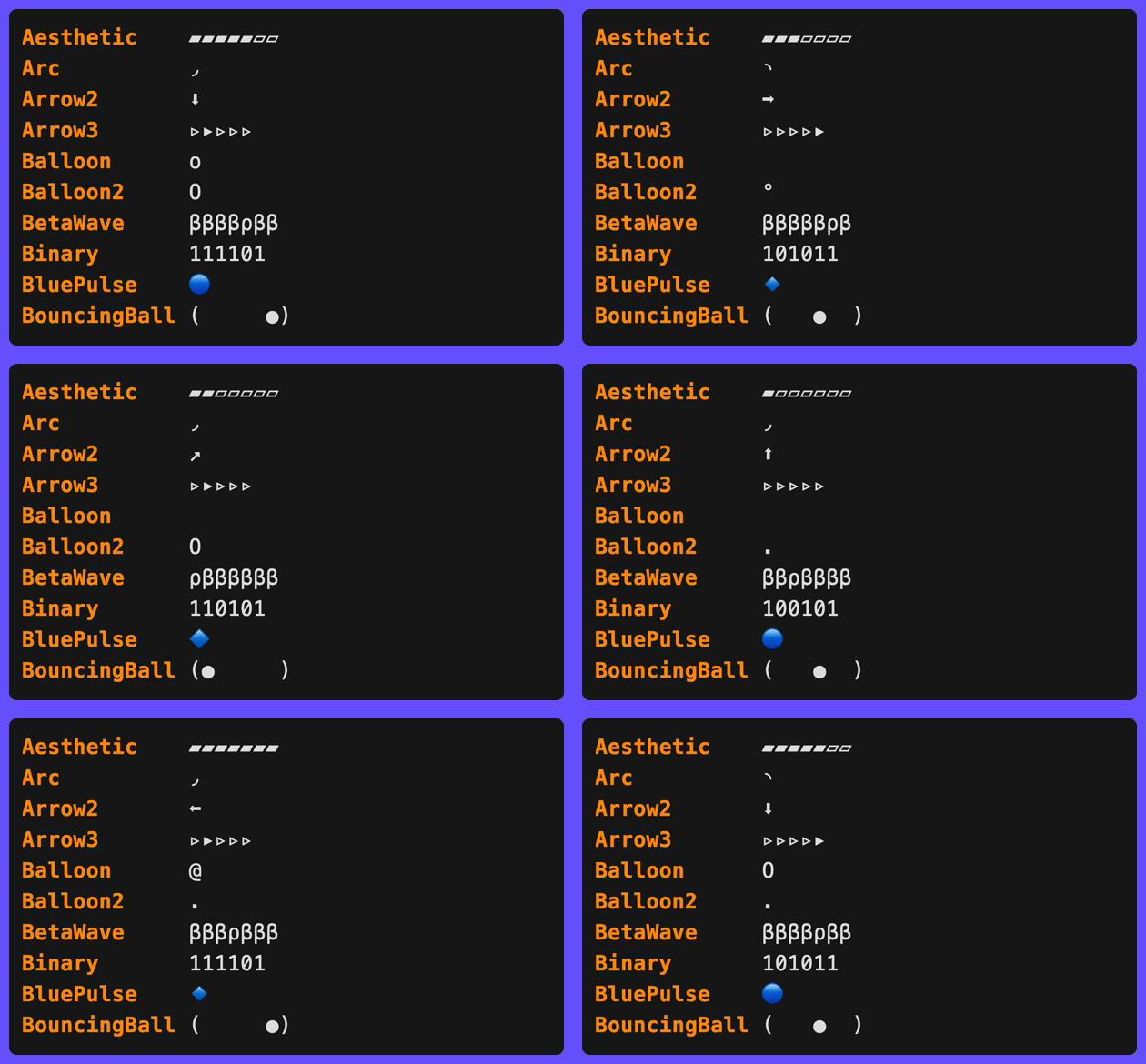
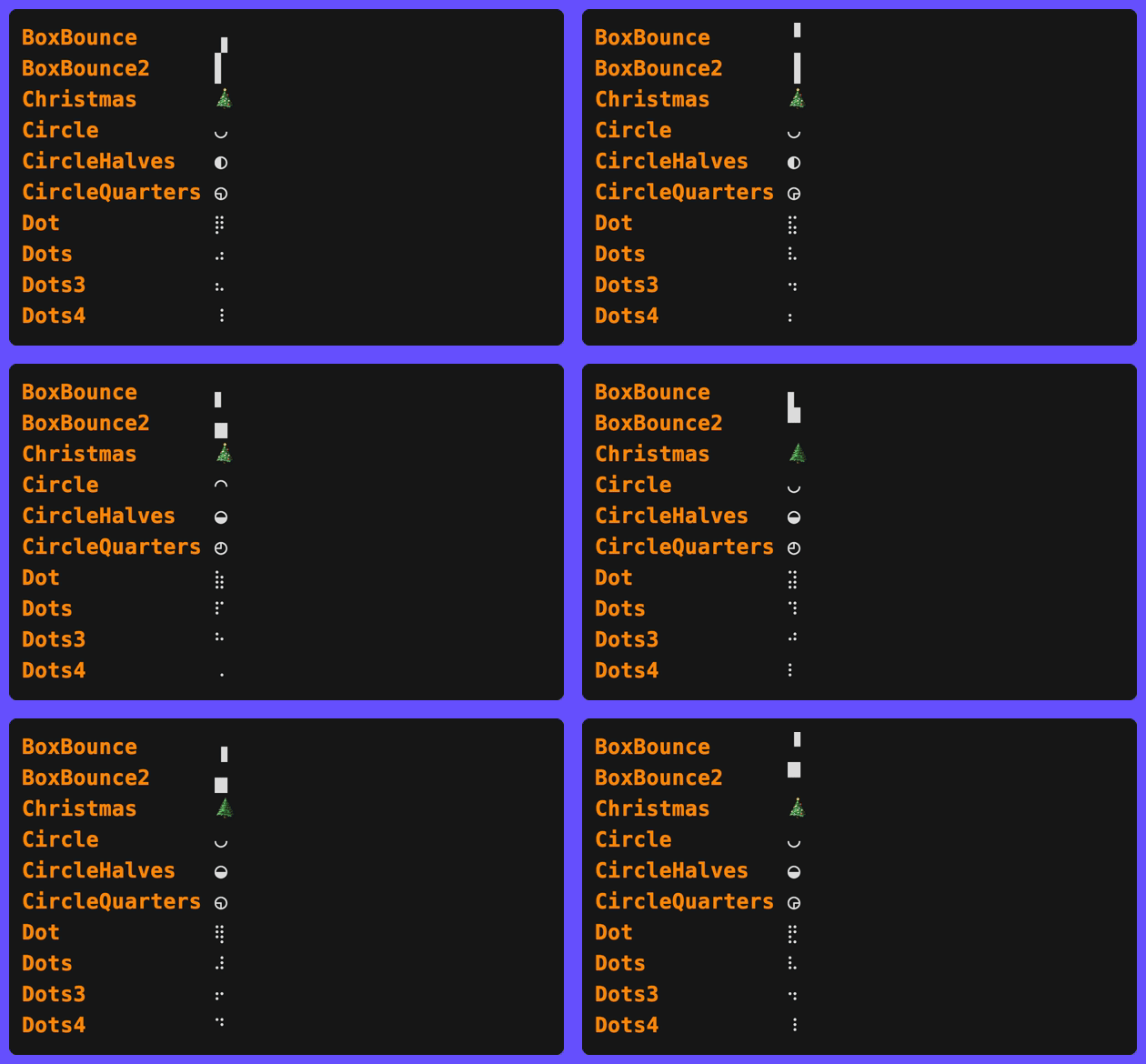
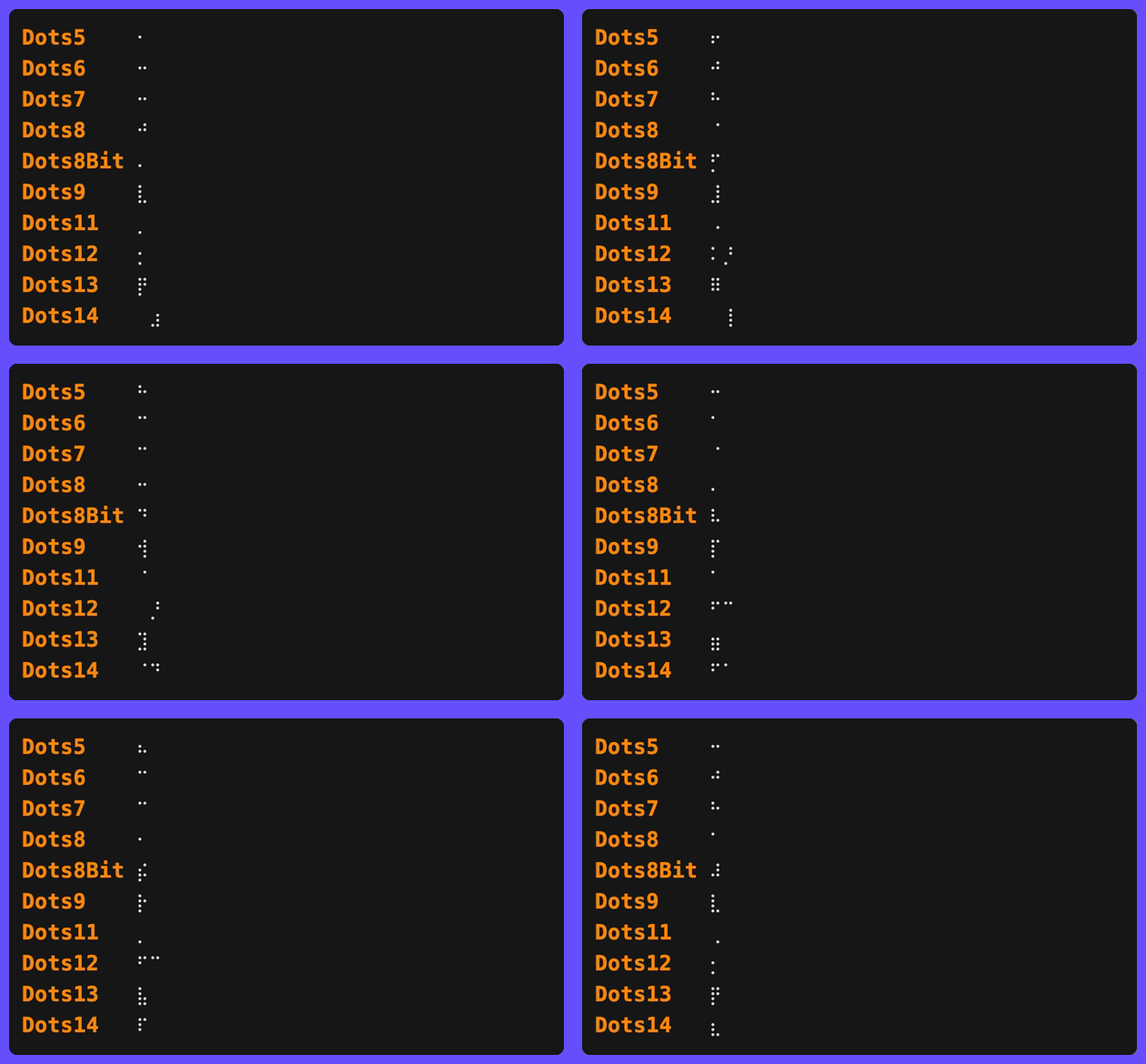
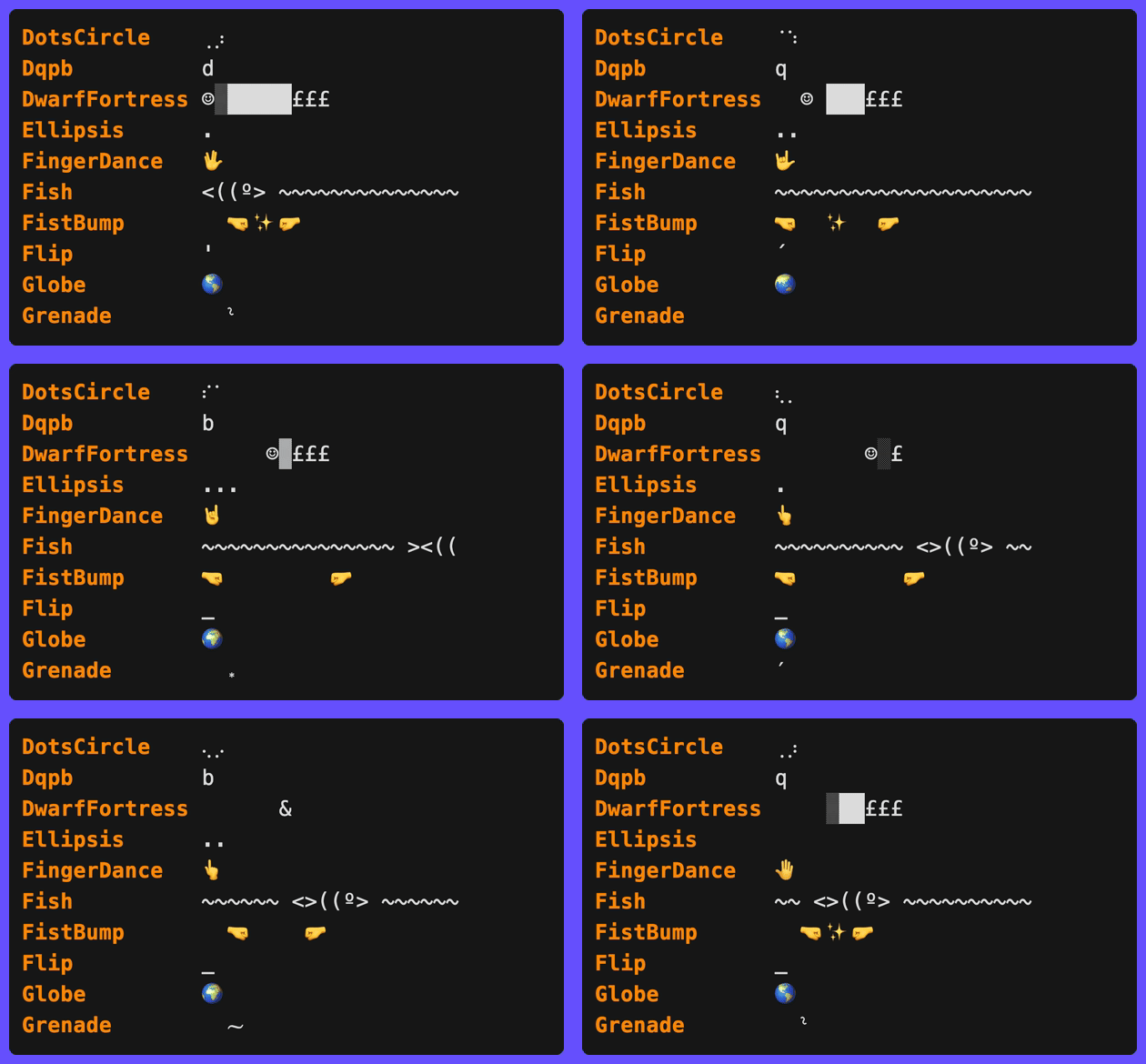
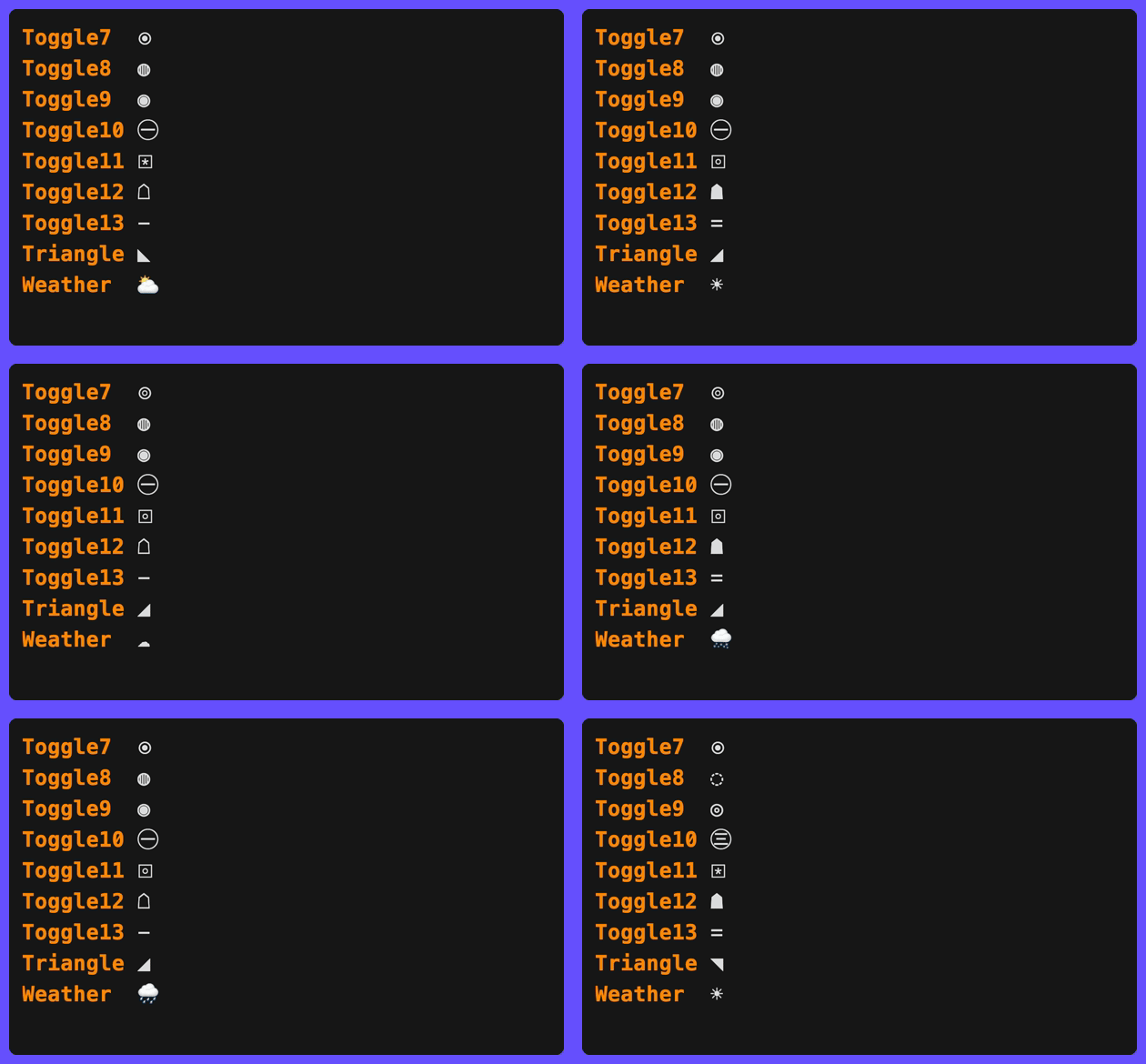
Gradient Spinners
spinner.WithGradient animates the spinner glyph color through a gradient, changing color as the spinner runs instead of using the level’s static symbol color:
// Default rainbow gradient, one full sweep per spinner revolution
clog.Spinner("Loading", spinner.WithGradient()).
  Wait(ctx, action).
  Msg("Done")

// Custom stops
clog.Spinner("Loading",
  spinner.WithGradient(
    style.ColorStop{Position: 0, Color: colorful.Color{R: 1, G: 0.4, B: 0.4}},
    style.ColorStop{Position: 0.5, Color: colorful.Color{R: 0.4, G: 0.6, B: 1}},
    style.ColorStop{Position: 1, Color: colorful.Color{R: 1, G: 0.4, B: 0.4}},
  ),
).
  Wait(ctx, action).
  Msg("Done")
Two timing modes control what drives the color phase:
spinner.GradientFrameSynced(default) - the color advances one gradient step per frame, completing exactly one sweep per spinner revolution. The color changes on every tick and stays deterministic per frame.spinner.GradientTimeBased- the color phase is driven by elapsed time multiplied byspinner.WithGradientSpeed(cycles per second, default 0.5), independent of the frame count or interval. The color keeps cycling smoothly even between frame advances, like the pulse and shimmer effects.
// Slow spinner whose color still cycles smoothly between frame changes
clog.Spinner("Waiting",
  spinner.WithConfig(spinner.Moon),
  spinner.WithGradient(),
  spinner.WithGradientTiming(spinner.GradientTimeBased),
  spinner.WithGradientSpeed(1),
).
  Wait(ctx, action).
  Msg("Done")
For a seamless wrap in either mode, repeat the first stop’s color at Position: 1 (the default gradient does this). While the gradient is active it replaces the level symbol style; the done-line symbol and any SetSymbol override keep the level styling. Gradients are inert when colors are disabled (NO_COLOR, non-TTY writers).
spinner.WithGradientMode(style.GradientStep) switches from smooth interpolation to discrete color jumps at each stop boundary.
Hyperlink Fields on Animations
Animations support the same clickable hyperlink field methods as events:
clog.Spinner("Building").
  Path("dir", "src/").
  Line("config", "config.yaml", 42).
  Column("loc", "main.go", 10, 5).
  URL("docs", "https://example.com").
  Link("help", "https://example.com", "docs").
  Wait(ctx, action).
  Msg("Built")
Elapsed Timer
Add a live elapsed-time field to any animation with .Elapsed(key):
err := clog.Spinner("Processing batch").
  Str("batch", "1/3").
  Elapsed("elapsed").
  Int("workers", 4).
  Wait(ctx, processBatch).
  Msg("Batch processed")
// INF ✅ Batch processed batch=1/3 elapsed=2s workers=4
The elapsed field respects its position relative to other field methods - it appears between batch and workers in the output above because .Elapsed("elapsed") was called between .Str() and .Int().
The display format uses the logger’s FieldFormats. Live elapsed fields default to stable whole-second rendering through the default ElapsedScale and are hidden below ElapsedMinimum (default 1s). Set ElapsedScale = nil to inherit the shared magnitude-keyed TimeScale, provide a dedicated scale, or fully override formatting with ElapsedFormat. Durations >= 1m use composite format (e.g. “1m30s”, “2h15m”).
.Elapsed(key) also accepts elapsed.Option values to override the gradient max, stops, or transition mode for this animation’s field only - see Per-Field Overrides:
err := clog.Spinner("Processing batch").
  Elapsed("elapsed", elapsed.WithGradientMax(10*time.Second)).
  Wait(ctx, processBatch).
  Msg("Batch processed")
Fields added at runtime via a live update (see Dynamic Status Updates) always render after the builder’s base fields, so a runtime-added field would normally appear after the elapsed timer. Pass elapsed.Trailing() to pin the elapsed field to the end of the row regardless:
err := clog.Spinner("Deploying").
  Str("env", "production").
  Elapsed("elapsed", elapsed.Trailing()).
  Progress(ctx, func(ctx context.Context, update *clog.Update) error {
    update.Str("tag", "v1.2.3").Send() // runtime-added field
    return deploy(ctx)
  }).
  Msg("Deployed")
// INF ✅ Deployed env=production tag=v1.2.3 elapsed=2s
Deadline Countdown
.Deadline(key, from) is the countdown mirror of the elapsed timer: the field displays the time remaining (counting down to 0s), colored by the time consumed - green when fresh, red near expiry, with from as the gradient maximum:
err := clog.Spinner("Waiting for confirmation").
  Deadline("timeout", 15*time.Second).
  Wait(ctx, waitForConfirmation).
  Msg("Confirmed")
// renders timeout=15s, 14s, ... 1s while waiting
Remaining time rounds with the ceiling (a countdown never shows 0s until truly expired), and ElapsedMinimum never hides the field. Builder deadlines are omitted from the done row by default because the final remaining value is usually stale; use deadline.WithOmitOnDone(false) to keep it. .Deadline accepts deadline.Option values - deadline.WithGradient/deadline.WithGradientMode to restyle, and deadline.WithTrailing() to pin the field to the end of the row like elapsed.Trailing(). See Deadline for the event-level form and configuration details.
Per-Event Parts Override
Override the part order for a spinner and its completion message without mutating the logger:
err := clog.Spinner("Indexing files").
  Parts(clog.PartSymbol, clog.PartMessage).
  Wait(ctx, indexFiles).
  Msg("Indexed")
// ✅ Indexed   (no level label or fields)
When set on animations, the override applies to both the animation rendering and the default completion message. You can further override on the WaitResult if the completion needs different parts:
clog.Spinner("Syncing").
  Parts(clog.PartMessage).          // animation: message only
  Wait(ctx, sync).
  Parts(clog.PartLevel, clog.PartMessage).  // completion: add level back
  Msg("Synced")
Non-TTY Silent
By default, animations print a static status line on non-TTY writers (CI, piped output) so the user knows something is in progress. Use NonTTYSilent to suppress this line entirely - the task still runs, only the output is hidden:
err := clog.Spinner("Reticulating splines").
  NonTTYSilent(true).
  Wait(ctx, reticulateSplines).
  Msg("Splines reticulated")
On a terminal, the spinner animates normally. When piped, no output is produced until the completion message.
This is useful for decorative animations that add noise in CI logs. For level-based suppression across all animations, see SetNonTTYLevel.
NonTTYSilent works with all animation types: spinners, bars, pulses, shimmers, and groups.
Delayed Animation
Use .After(d) to suppress the animation for an initial duration. If the task finishes before the delay, no animation is shown at all - useful for operations that are usually fast but occasionally slow:
err := clog.Spinner("Fetching config").
  After(time.Second).
  Wait(ctx, fetchConfig).
  Msg("Config loaded")
If fetchConfig completes in under 1 second, the user sees nothing until the final “Config loaded” message. If it takes longer, the spinner appears after 1 second.
Bar
Bar creates a determinate progress bar that shows filled/empty cells and a live percentage. Use SetProgress on the Update to advance the bar.
err := clog.Bar("Downloading", 100).
  Str("file", "release.tar.gz").
  Elapsed("elapsed").
  Progress(ctx, func(ctx context.Context, p *clog.Update) error {
    for i := range 101 {
      p.SetProgress(i).Msg("Downloading").Send()
      time.Sleep(20 * time.Millisecond)
    }
    return nil
  }).
  Symbol("✅").
  Msg("Download complete")
// INF ⏳ Downloading ━━━━━━━━━╸╺━━━━━━━━━━━ 42% elapsed=1.2s
// INF ✅ Download complete file=release.tar.gz elapsed=3.4s
SetTotal can be called mid-task to update the denominator if the total becomes known after the task starts:
p.SetProgress(50).SetTotal(200).Msg("Processing").Send()
p.Msgf("Processing %d/%d", current, total).Send()
AddTotal atomically adds to the total - useful for “discovered more work” patterns where the full scope isn’t known upfront:
p.AddTotal(50)  // discovered 50 more items
p.AddTotal(-10) // 10 items turned out to be duplicates
SetSymbol changes the icon displayed beside the message during animation. This is useful for showing different phases of a multi-stage task:
p.SetSymbol("📡").SetProgress(i).Str("stage", "receiving").Send()
p.SetSymbol("🔍").SetProgress(i).Str("stage", "resolving").Send()
SetLevel overrides the log level shown on the final done line. This is useful when a task fails and you want the completed line to render at error level:
p.SetSymbol("❌").SetLevel(clog.LevelError).Msg("Failed").Send()
Animated Symbol
By default, bars show a static symbol (⏳). Use .Spinner() to replace it with a spinning animation that cycles independently of the bar progress:
clog.Bar("Cloning", 100, opts...).
  Spinner().
  Progress(ctx, task).
  Msg("Cloned")

// With a custom spinner style
clog.Bar("Downloading", total).
  Spinner(spinner.WithConfig(spinner.Dots)).
  Progress(ctx, task).
  Msg("Downloaded")
With no arguments, .Spinner() uses the default spinner style (moon phases). Pass spinner.Option values to customise the frames, interval, or playback direction. See Spinner for the full list of options and presets.
The spinner animation is driven by wall-clock time, so it keeps animating even when the bar progress is stalled.
Pending Mode
If you don’t want zero-progress tasks to show an empty bar, use PendingHide:
clog.Bar("Cloning", 1, bar.WithPendingMode(bar.PendingHide))
This suppresses the entire bar block, including widgets, until progress becomes positive.
By default, the bar fill uses exponential smoothing (SmoothEase) so that large jumps in progress animate smoothly instead of snapping. Disable it with SmoothNone, or tune the time constant with WithSmoothingTau (default 120ms - smaller is snappier, larger is smoother):
clog.Bar("Uploading", total, bar.WithSmoothingMode(bar.SmoothNone))
clog.Bar("Uploading", total, bar.WithSmoothingTau(100*time.Millisecond))
If frequent updates make ETA or rate text too jumpy, coalesce timing-derived widget and dynamic-field updates:
clog.Bar("Cloning", 1, bar.WithUpdateInterval(time.Second))
This rate-limits timing-derived text such as ETA, rate, and elapsed while leaving the bar fill, percent/current-total text, message, symbol, and other live updates responsive.
Styles
Seven pre-built styles are available in fx/bar/presets.go. Pass any of them via bar.WithConfig():
| Preset | Characters | Description |
|---|---|---|
bar.Basic | [=====> ] | ASCII-only for maximum compatibility |
bar.Braille | [⣿⣿⣿⣿⣿⣦⠀⠀⠀⠀] | Braille dot-fill with 8x sub-cell resolution |
bar.Dash | [----- ] | Simple dash fill |
bar.Thin | ━━━━━╸╺━━━━━ | Box-drawing with color-differentiated fill (default) |
bar.Block | │█████░░░░░│ | Solid block characters |
bar.Gradient | │██████▍ │ | Block elements with 8x sub-cell resolution |
bar.Smooth | █████████████ | Solid blocks with color-differentiated fill |
clog.Bar("Uploading", total, bar.WithConfig(bar.Smooth)).
  Progress(ctx, task).
  Msg("Done")
bar.Thin and bar.Smooth use half-cell resolution via HalfFilled (and HalfEmpty for bar.Thin), giving twice the visual granularity of full-cell styles. bar.Gradient and bar.Braille use GradientFill for 8x sub-cell resolution - the smoothest built-in options. bar.Braille is inspired by Docker Compose’s progress display, using braille dot characters that progressively fill from bottom to top.
Custom Style
Build a fully custom configuration by passing a bar.WithConfig() option:
import "github.com/gechr/clog/fx/bar/widget"

clog.Bar("Uploading", total, bar.WithConfig(bar.Config{
    Placement:   bar.PlaceInline, // inline with message (default: bar.PlaceRightPad)

    CapStyle:    new(lipgloss.NewStyle().Bold(true)), // style for [ ] caps (default: bold white)
    CapLeft:     "|",
    CapRight:    "|",

    CharEmpty:   '-',
    CharFill:    '=',
    CharHead:    '>', // decorative head at leading edge (0 = disabled)

    HalfEmpty:   0, // half-cell trailing edge for 2x resolution (0 = disabled)
    HalfFilled:  0, // half-cell leading edge for 2x resolution (0 = disabled)

    Separator:   " ", // separator between message, bar, and widget text

    StyleEmpty:  new(lipgloss.NewStyle().Foreground(lipgloss.Color("8"))),  // grey
    StyleFill:   new(lipgloss.NewStyle().Foreground(lipgloss.Color("2"))),  // green

    WidgetLeft:  widget.Percent(widget.WithDigits(1)), // "50.0%" to the left of the bar
    WidgetRight: widget.None(), // suppress the default right-side percent

    Width:       30, // fixed inner width (0 = auto-size from terminal)
    WidthMin:    10, // auto-size minimum (default 10)
    WidthMax:    40, // auto-size maximum (default 40)
  })).
  Progress(ctx, task).
  Msg("Done")
When Width is 0, the bar auto-sizes to one quarter of the terminal width, clamped to [WidthMin, WidthMax].
Any field can be overridden via option functions without building a full custom style:
clog.Bar("Downloading", 100, bar.WithConfig(bar.Braille), bar.WithWidth(30))
Structure
| Option | Description |
|---|---|
bar.WithCapLeft(s) | Left cap string (e.g. "[", "│") |
bar.WithCapRight(s) | Right cap string (e.g. "]", "│") |
bar.WithCapStyle(ls) | Lipgloss style for caps |
bar.WithSeparator(s) | String between message, bar, and widgets |
Characters
| Option | Description |
|---|---|
bar.WithCharEmpty(r) | Rune for fully empty cells |
bar.WithCharFill(r) | Rune for fully filled cells |
bar.WithCharHead(r) | Decorative rune at leading edge (1x only; 0 = off) |
bar.WithHalfFilled(r) | Leading-edge rune for 2x resolution (0 = off) |
bar.WithHalfEmpty(r) | Trailing-edge rune for 2x resolution (0 = off) |
bar.WithGradientFill(r...) | Sub-cell runes (least→most filled) for Nx resolution |
Width
| Option | Description |
|---|---|
bar.WithWidth(n) | Fixed inner width (0 = auto-size) |
bar.WithMinWidth(n) | Minimum auto-sized width (default 10) |
bar.WithMaxWidth(n) | Maximum auto-sized width (default 40) |
Colors
| Option | Description |
|---|---|
bar.WithStyleFill(ls) | Lipgloss style for filled cells |
bar.WithStyleEmpty(ls) | Lipgloss style for empty cells |
bar.WithProgressGradient(...) | Color fill by progress (overrides StyleFill) |
Widgets
| Option | Description |
|---|---|
bar.WithWidgetLeft(w) | Widget displayed to the left of the bar |
bar.WithWidgetRight(w) | Widget displayed to the right of the bar |
bar.WithPlacement(p) | Horizontal bar placement mode |
bar.WithPendingMode(m) | Whether to render the bar before progress starts |
bar.WithSmoothingMode(m) | Bar fill smoothing (SmoothEase default, SmoothNone to disable) |
bar.WithSmoothingTau(d) | Exponential decay time constant (default 120ms; smaller = snappier) |
bar.WithUpdateInterval(d) | Coalesce ETA/rate/elapsed-style text updates to at most once per duration |
All presets use bold white CapStyle. Pass bar.WithCapStyle(lipgloss.NewStyle()) for unstyled caps.
Progress Gradient
Color the bar fill based on progress using ProgressGradient. The filled portion shifts through the gradient as progress advances (e.g. red at 0%, yellow at 50%, green at 100%):
style := bar.Block
style.ProgressGradient = bar.DefaultGradient() // red → yellow → green

clog.Bar("Building", 100, bar.WithConfig(style)).
  Progress(ctx, task).
  Msg("Built")
Custom gradients work the same as other gradient fields:
style.ProgressGradient = []style.ColorStop{
  {Position: 0, Color: colorful.Color{R: 0.3, G: 0.3, B: 1}},   // blue
  {Position: 0.5, Color: colorful.Color{R: 1, G: 1, B: 1}},     // white
  {Position: 1, Color: colorful.Color{R: 0.3, G: 1, B: 0.3}},   // green
}
When set, ProgressGradient overrides the StyleFill foreground color. Use bar.DefaultGradient() to get the default red → yellow → green stops.
Alignment
The Placement field on bar.Config controls where the bar appears on the line:
| Constant | Layout |
|---|---|
bar.PlaceRightPad | INF ⏳ Downloading ━━━━━━━╸╺━━━━━━━━━━ 45% (default) |
bar.PlaceLeftPad | INF ⏳ ━━━━━━━╸╺━━━━━━━━━━ 45% Downloading |
bar.PlaceInline | INF ⏳ Downloading ━━━━━━━╸╺━━━━━━━━━━ 45% |
bar.PlaceRight | INF ⏳ Downloading ━━━━━━━╸╺━━━━━━━━━━ 45% |
bar.PlaceLeft | INF ⏳ ━━━━━━━╸╺━━━━━━━━━━ 45% Downloading |
bar.PlaceAligned | Pads messages in a group so all bars start at the same column |
The padded variants (bar.PlaceRightPad, bar.PlaceLeftPad) fill the gap between message and bar with spaces to span the terminal width. When the terminal is too narrow, they fall back to the Separator between parts.
bar.PlaceAligned dynamically calculates the longest message in a group and aligns all bars to the same starting column. For standalone (non-group) bars, it falls back to bar.PlaceRight.
Widgets
WidgetLeft and WidgetRight on bar.Config control text annotations beside the bar. Each is a bar.Widget - a callback that receives progress state and returns a string:
type bar.State struct {
  Current int
  Total   int
  Elapsed time.Duration
  Rate    float64 // items per second
}
type bar.Widget func(bar.State) string
All presets set WidgetRight: widget.Percent() - padded percentage on the right (e.g. " 42%"). When both widgets are nil, the same default applies.
Built-in widgets:
| Widget | Description |
|---|---|
widget.Percent(...) | Padded percentage (use widget.WithDigits(n) for decimal places) |
widget.Bytes() | SI byte progress (e.g. " 50 MB / 100 MB", base-1000) |
widget.IBytes() | IEC byte progress (e.g. "50 MiB / 100 MiB", base-1024) |
widget.ETA() | Estimated time remaining (e.g. "ETA 2m30s", "ETA ∞") |
widget.Rate() | Items per second (e.g. "150/s", "1.5k/s") |
widget.BytesRate() | SI byte throughput (e.g. "82.9 MB/s") |
widget.IBytesRate() | IEC byte throughput (e.g. "82.9 MiB/s") |
widget.None() | Always returns “” - suppresses default percent |
widget.Separator(s) | Always renders s - use as a divider inside widget.Widgets |
All widget constructors accept widget.Option values:
| Option | Applies to | Description |
|---|---|---|
widget.WithDigits(n) | widget.Percent, widget.Bytes, widget.IBytes, widget.BytesRate, widget.IBytesRate | Precision: significant digits or decimal places |
widget.WithPrefix(s) | widget.ETA | Override prefix (e.g. "" → "2m30s", "~" → "~2m30s") |
widget.WithUnit(label) | widget.Rate | Unit label (e.g. "ops" → "150 ops/s") |
widget.WithStyle(s) | all widgets | Lipgloss style applied to the widget’s output |
widget.WithMinimumPercent(pct) | widget.Percent | Hides widget when progress is below pct (e.g. 1 hides 0%) |
widget.WithProgressGradient(...) | widget.Percent | Colors widget text based on progress (overrides WithStyle) |
Composing multiple widgets:
Use widget.Widgets to combine several widgets on a single side. Empty outputs are filtered and the rest are joined with a space:
style := bar.Thin
style.WidgetRight = widget.Widgets(widget.ETA(), widget.Rate())
// INF ⏳ Processing ━━━━━━━╸╺━━━━━━━━━━ ETA 2m30s 150/s
Add a visual divider with widget.Separator:
style.WidgetRight = widget.Widgets(
  widget.ETA(),
  widget.Separator("│"),
  widget.Rate(),
)
// INF ⏳ Processing ━━━━━━━╸╺━━━━━━━━━━ ETA 2m30s │ 150/s
Pass widget.WithStyle to any widget to apply a Lipgloss style to its output:
faint := lipgloss.NewStyle().Faint(true)
style.WidgetRight = widget.Widgets(
  widget.ETA(widget.WithStyle(faint)),
  widget.Separator("│", widget.WithStyle(faint)),
  widget.Rate(widget.WithStyle(faint)),
)
// INF ⏳ Processing ━━━━━━━╸╺━━━━━━━━━━ ETA 2m30s │ 150/s  (all rendered faint)
Pass widget.WithProgressGradient to color the percent text based on progress, matching the bar’s gradient:
style := bar.Smooth
style.ProgressGradient = bar.DefaultGradient()
style.WidgetLeft = widget.Percent(widget.WithProgressGradient(bar.DefaultGradient()...))
style.WidgetRight = widget.None()
// INF ⏳ Uploading │████▌     │  50%  (percent colored red→yellow→green by progress)
Move percent to the left:
style := bar.Thin
style.WidgetLeft = widget.Percent()
style.WidgetRight = widget.None()
Download progress with byte sizes:
fileSize := 150 * 1000 * 1000 // 150 MB
style := bar.Smooth
style.WidgetRight = widget.Bytes()

clog.Bar("Downloading", fileSize, bar.WithConfig(style)).
  Str("file", "model.bin").
  Progress(ctx, func(ctx context.Context, p *clog.Update) error {
    // p.SetProgress(bytesReceived).Send()
  }).
  Msg("Downloaded")
// INF ⏳ Downloading │████▌     │  75 MB / 150 MB file=model.bin
The current value is right-aligned to the total’s width to prevent the bar from jumping as digits change. Use widget.IBytes() for base-1024 units (KiB, MiB, GiB).
ETA and rate:
style := bar.Block
style.WidgetLeft = widget.ETA()
style.WidgetRight = widget.Rate(widget.WithUnit("items"))

clog.Bar("Processing", 500, bar.WithConfig(style)).
  Progress(ctx, task).
  Msg("Done")
// INF ⏳ Processing ETA 2m30s │█████░░░░░│ 150 items/s
widget.ETA shows "ETA ∞" before any progress, a countdown during the task, and "" when complete. widget.Rate accepts an optional widget.WithUnit for a label; without it, output is "150/s".
Byte throughput:
style := bar.Gradient
style.WidgetRight = widget.BytesRate()

clog.Bar("Uploading", totalBytes, bar.WithConfig(style)).
  Progress(ctx, task).
  Msg("Done")
// INF ⏳ Uploading │██████▍   │ 82.9 MB/s
Use widget.IBytesRate() for IEC units (MiB/s). Both accept widget.WithDigits(n) to control significant digits (default 3).
Custom widget:
style := bar.Thin
style.WidgetRight = func(s bar.State) string {
  remaining := s.Total - s.Current
  return fmt.Sprintf("%d remaining", remaining)
}
Suppress percent entirely:
style := bar.Thin
style.WidgetRight = widget.None()
Percentage as a Field
Use .BarPercent(key) on the builder to move the percentage into structured fields. This suppresses the default right-side widget:
clog.Bar("Installing", 100).
  BarPercent("progress").
  Elapsed("elapsed").
  Progress(ctx, task).
  Msg("Installed")
// INF ⏳ Installing          ━━━━━━━╸╺━━━━━━━━━━ progress=45% elapsed=1.2s
All animations gracefully degrade: when colors are disabled (CI, piped output), a static status line with an ⏳ symbol is printed instead.
The icon displayed during Pulse, Shimmer, and Bar animations defaults to ⏳ and can be changed with .Symbol() on the builder (before the task starts) or SetSymbol() on the Update (during the task):
clog.Pulse("Warming up").
  Symbol("🔄").
  Wait(ctx, action).
  Msg("Ready")
Shimmer
Shimmer creates an independent animation where each character is colored based on its position in a sweeping gradient wave.
// Default gradient
clog.Shimmer("Indexing documents").
  Wait(ctx, action).
  Msg("Indexed")

// Custom gradient with direction
clog.Shimmer("Synchronizing",
  shimmer.WithGradient(
    style.ColorStop{Position: 0, Color: colorful.Color{R: 0.3, G: 0.3, B: 0.8}},
    style.ColorStop{Position: 0.5, Color: colorful.Color{R: 1, G: 1, B: 1}},
    style.ColorStop{Position: 1, Color: colorful.Color{R: 0.3, G: 0.3, B: 0.8}},
  ),
  shimmer.WithDirection(shimmer.MiddleIn),
).
  Wait(ctx, action).
  Msg("Synchronized")
Use shimmer.DefaultGradient() to get the default gradient stops.
Directions
| Constant | Description |
|---|---|
shimmer.Right | Left to right (default) |
shimmer.Left | Right to left |
shimmer.MiddleIn | Inward from both edges |
shimmer.MiddleOut | Outward from the center |
shimmer.BounceIn | Inward from both edges, then bounces out |
shimmer.BounceOut | Outward from center, then bounces in |
Speed
Control how fast the animation cycles with shimmer.WithSpeed(cyclesPerSecond). The default is 0.5 (one full cycle every two seconds). Values ≤ 0 are treated as the default.
clog.Shimmer("Fast shimmer",
  shimmer.WithSpeed(2.0),  // 2 gradient cycles per second
).
  Wait(ctx, action).
  Msg("Done")

clog.Pulse("Quick pulse", pulse.WithSpeed(1.5)).
  Wait(ctx, action).
  Msg("Done")
Both pulse and shimmer use ColorStop for gradient definitions:
type ColorStop struct {
  Position float64        // 0.0-1.0
  Color    colorful.Color // from github.com/lucasb-eyer/go-colorful
}
Pulse
Pulse creates an independent animation where all characters in the message fade uniformly between gradient colors.
// Default gradient (blue-gray to cyan)
clog.Pulse("Warming up").
  Wait(ctx, action).
  Msg("Ready")

// Custom gradient
clog.Pulse("Replicating",
  pulse.WithGradient(
    style.ColorStop{Position: 0, Color: colorful.Color{R: 1, G: 0.2, B: 0.2}},
    style.ColorStop{Position: 0.5, Color: colorful.Color{R: 1, G: 1, B: 0.3}},
    style.ColorStop{Position: 1, Color: colorful.Color{R: 1, G: 0.2, B: 0.2}},
  ),
).
  Wait(ctx, action).
  Msg("Replicated")

// Custom speed (2× faster)
clog.Pulse("Processing",
  pulse.WithSpeed(1.0),
).
  Wait(ctx, action).
  Msg("Done")
Use pulse.DefaultConfig() to inspect the default configuration, or pulse.DefaultGradient() to get just the default gradient stops.
Group
Group runs multiple animations concurrently in a multi-line block, redrawn in place each tick (frames are skipped when nothing changed, and repaints use synchronized output on terminals that support it).
g := clog.Group(ctx)
g.Add(clog.Spinner("Processing data").Int("workers", 4)).
  Run(func(ctx context.Context) error {
    return processData(ctx)
  })
g.Add(clog.Bar("Downloading", 100)).
  Progress(func(ctx context.Context, p *clog.Update) error {
    for i := range 101 {
      p.SetProgress(i).Send()
      time.Sleep(20 * time.Millisecond)
    }
    return nil
  })
g.Wait().Symbol("✅").Msg("All tasks complete")
Group options live in the fx package (github.com/gechr/clog/fx). To align the first field column across rows, enable group field alignment:
g := clog.Group(ctx, fx.WithFieldAlignment(fx.FieldAlignmentMessage))
To let clog limit how many tasks run at once, use WithParallelism:
g := clog.Group(ctx, fx.WithParallelism(5))
By default, all animations in a group share a common epoch so spinners, pulses, and shimmers stay in lockstep regardless of when each task starts. To let each task animate from its own start time instead, disable sync:
g := clog.Group(ctx, fx.WithoutSyncAnimations())
To keep grouped bar fills and their percentage text from visibly moving backward when task totals grow or progress is reported in phases, enable monotonic mode:
g := clog.Group(ctx, fx.WithMonotonic())
When the context is cancelled (e.g. on SIGINT), the last rendered frame is preserved so the user can see what was on screen. To clear the block instead, use WithClearOnCancel:
g := clog.Group(ctx, fx.WithClearOnCancel())
To hide completed tasks from the rendered block so only active and pending tasks remain visible, use WithHideDone:
g := clog.Group(ctx, fx.WithHideDone())
To add a header or footer status line that updates each tick, use WithHeader or WithFooter. Pass a builder for the initial config (level, symbol, parts) and a callback that updates the message and fields each tick:
g := clog.Group(ctx,
  fx.WithHideDone(),
  fx.WithFooter(
    clog.Spinner("Cloned"),
    func(done, total int, u *clog.Update) {
      u.Msg("Cloned").Str("progress", fmt.Sprintf("%d/%d", done, total)).Send()
    },
  ),
)
While the tasks run, the terminal shows all animations updating simultaneously:
INF 🌒 Processing data workers=4
INF ⏳ Downloading ━━━━━━━━━╸╺━━━━━━━━━━━ 42%
When all tasks finish, the block is cleared and a single summary line is logged. Alternatively, use per-task results for individual completion messages:
g := clog.Group(ctx)
proc := g.Add(clog.Spinner("Processing")).Run(processData)
dl := g.Add(clog.Bar("Downloading", 100)).Progress(download)
g.Wait()
proc.Symbol("✅").Msg("Processing done")
dl.Symbol("✅").Msg("Download complete")
Any mix of animation types works: spinners, bars, pulses, and shimmers can all run in the same group.
API
| Function / Method | Description |
|---|---|
clog.Group(ctx) | Create a group using the Default logger |
logger.Group(ctx) | Create a group using a specific logger |
fx.WithClearOnCancel() | Clear the rendered block on context cancellation |
fx.WithFieldAlignment(mode) | Align the first field column in grouped output |
fx.WithFooter(b, fn) | Add a status line below the task block, updated each tick |
fx.WithHeader(b, fn) | Add a status line above the task block, updated each tick |
fx.WithHideDone() | Remove completed tasks from the rendered block |
fx.WithMaxHeightPercent(pct) | Cap the group block to a percentage of terminal height |
fx.WithMaxLines(n) | Cap the number of visible lines in the group render block |
fx.WithMonotonic() | Clamp grouped bars and percent to the highest shown fraction |
fx.WithOverflowIndicator(...) | Append an … N more line when the height cap hides tasks |
fx.WithParallelism(n) | Limit how many group tasks may execute concurrently |
fx.WithRenderDelay(d) | Suppress group rendering until d has elapsed |
fx.WithTransientFooter() | Hide the footer when no task rows are visible |
fx.WithTransientHeader() | Hide the header when no task rows are visible |
fx.WithoutSyncAnimations() | Let each task animate from its own start time (sync default) |
g.Add(builder) | Register an animation builder, returns *GroupEntry |
entry.Run(task) | Start a TaskFunc, returns *TaskResult |
entry.Progress(task) | Start an UpdateFunc, returns *TaskResult |
g.Suspend(opts...) | Hide the live block and release the terminal |
g.Resume() | Restore a suspended group block |
g.Wait() | Block until all tasks complete, returns *GroupResult |
FieldAlignmentMessage applies when PartFields comes immediately after PartMessage in the part order, which is the default layout.
WithFooter(b, fn) and WithHeader(b, fn) take a *fx.Builder for initial config (level, symbol, parts) and a GroupStatusFunc callback func(done, total int, u *Update) called each render tick. The callback uses the Update to set the message and fields. Header and footer lines count towards the terminal height cap.
WithHideDone() removes completed tasks from the rendered block so only active and pending tasks are visible. Bar alignment layout only considers visible tasks.
WithMaxHeightPercent(percent) caps the group block to a fraction of the terminal height (e.g. 0.5 for half). Clamped to (0, 1]. When both WithMaxLines and WithMaxHeightPercent are set, the smaller wins.
WithMaxLines(n) caps the visible lines in the group block. When set, this takes precedence over the automatic terminal height cap. Header and footer lines count towards this limit. Values less than or equal to zero are ignored.
When the terminal height (or an explicit cap) leaves some tasks unrendered, they are dropped silently by default. WithOverflowIndicator() instead appends an … N more overflow indicator line counting the hidden tasks, styled like a status line through the group’s logger. The indicator consumes one row of the budget and only renders when at least one task row remains above it. Tasks hidden by WithHideDone are not counted - only tasks that would render if there were room. The message text and style are configurable via sub-options:
g := clog.Group(ctx, fx.WithMaxLines(4), fx.WithOverflowIndicator(
  fx.WithOverflowText(func(hidden int) string {
    return fmt.Sprintf("and %d more…", hidden)
  }),
  fx.WithOverflowStyle(new(lipgloss.NewStyle().Faint(true))),
))
WithMonotonic() clamps the rendered bar fill, percentage text, and widget values to the highest fraction seen so far. It does not change the underlying task progress values.
WithParallelism(n) removes the limit when n <= 0.
WithRenderDelay(d) suppresses group rendering until d has elapsed. If all tasks finish before the delay, the group produces no live-render output.
WithTransientHeader() / WithTransientFooter() hide the header or footer line while no task rows are visible.
Animation sync (the default) records a shared epoch when the render loop starts. Spinner frame indices, pulse sine phase, and shimmer scroll phase are all derived from this epoch instead of each task’s individual start time, so animations stay in lockstep. Elapsed-time fields remain per-task and freeze at each task’s finish time, so a completed line reports the task’s actual runtime while its siblings continue. WithoutSyncAnimations() disables this and lets each task animate from its own start time.
GroupResult and TaskResult support the same chaining as WaitResult: .Msg(), .Parts(), .Symbol(), .Send(), .Err(), .Silent(), .OnErrorLevel(), .OnErrorMessage(), .OnSuccessLevel(), .OnSuccessMessage(), and all field methods (.Str(), .Int(), etc.).
Suspending the Group
g.Suspend() hides the live block and releases the terminal - useful before prompting for input or shelling out to another program. g.Resume() restores the block and repaints the latest frame immediately; both are safe to call repeatedly. By default the cursor keeps its current visibility while suspended; pass fx.WithShowCursor(true) to show it:
g.Suspend(fx.WithShowCursor(true))
name, err := clog.Input("Name")
g.Resume()
Per-Event Parts Override
Override the part order for individual animations and their completion messages:
g := clog.Group(ctx)

// Animation + completion both use overridden parts.
proc := g.Add(clog.Spinner("Processing").Parts(clog.PartMessage)).
  Run(processData)

dl := g.Add(clog.Bar("Downloading", 100)).
  Progress(download)

// Override parts only on the summary line.
g.Wait().Parts(clog.PartSymbol, clog.PartMessage).Msg("All done")
.Parts() on the animation propagates to the TaskResult. Call .Parts() on TaskResult or GroupResult to override independently for the completion message.
GroupResult.Err() / .Silent() returns the errors.Join of all task errors (nil when all succeeded).
Printer
Output styled data directly without a log level, key, or message:
clog.Print().RawJSON([]byte(`{"status":"ok","count":42,"active":true}`))
// {
//   "status": "ok",
//   "count": 42,
//   "active": true
// }
The Printer writes directly to the logger’s output, bypassing any custom Handler. It uses the logger’s style configurations for token colors.
JSON
JSON marshals any Go value; RawJSON accepts pre-serialized bytes:
clog.Print().JSON(userStruct)
clog.Print().RawJSON(responseBody)
Print Mode
The default mode is JSONPretty, which pretty-prints with indentation. Set the global default with SetJSONPrintMode, or override per-call with Mode:
// Global default: flatten to single line
clog.SetJSONPrintMode(clog.JSONFlat)

// Per-call override
clog.Print().Mode(clog.JSONPretty).RawJSON(data)
clog.Print().Mode(clog.JSONFlat).RawJSON(data)
| Mode | Description |
|---|---|
JSONPretty | Pretty-print with normalized indentation (default) |
JSONFlat | Flatten to a single line (matches inline log fields) |
JSONPreserve | Keep original whitespace, only add syntax highlighting |
Styling
Printer JSON inherits token colors (keys, strings, numbers, etc.) from the logger’s JSON styles. Field-specific rendering modes (JSONModeHuman, JSONModeFlat) are not applied – the Printer always uses standard JSON rendering.
custom := style.DefaultJSON()
custom.Key = new(lipgloss.NewStyle().Foreground(lipgloss.Color("#50fa7b")))
clog.SetStyles(&style.Config{JSON: custom})
YAML
YAML marshals any Go value; RawYAML accepts pre-serialized bytes:
clog.Print().YAML(configStruct)
clog.Print().RawYAML(responseBody)
See YAML for styling options.
TOML
TOML marshals any Go value; RawTOML accepts pre-serialized bytes:
clog.Print().TOML(configStruct)
clog.Print().RawTOML(configBytes)
See TOML for styling options.
HCL
RawHCL accepts pre-serialized HCL bytes (there is no marshal method since HCL has no standard Go marshal API):
clog.Print().RawHCL(terraformConfig)
See HCL for styling options.
Themes
Printer styles default to terminal-aware light/dark selection: on the first colored write the logger detects the background of its own output and picks a matching theme (dark mode preserves the original Dracula-based colors). The terminal is queried at most once, and never for non-terminal or color-disabled outputs, which use the dark theme. Switch all four format styles at once with SetTheme, which takes a light/dark pair:
clog.SetTheme(theme.MustPair(theme.CatppuccinLatte(), theme.Dracula()))
For a fixed theme regardless of the terminal background, wrap it with theme.Single:
clog.SetTheme(theme.Single(theme.Monokai()))
Per-token overrides still work after setting a theme:
clog.SetTheme(theme.Single(theme.Monokai()))
s := clog.DefaultStyles()
s.JSON.Key = new(lipgloss.NewStyle().Foreground(lipgloss.Color("#ff0000")))
clog.SetStyles(s)
To build styles from a theme directly:
custom := style.NewJSON(theme.Monokai())
Environment variables
The default logger reads its theme from the environment (highest precedence first):
-
CLOG_THEME- an explicit theme, applied on both backgrounds (viatheme.Single):CLOG_THEME=monokai -
CLOG_THEME_LIGHTandCLOG_THEME_DARK- a light/dark pair; the entry matching the terminal background is selected on the first write:CLOG_THEME_LIGHT=catppuccin-latte CLOG_THEME_DARK=dracula
CLOG_THEME takes precedence over the light/dark pair when both are set. With a custom prefix (see SetEnvPrefix), <PREFIX>_THEME* is checked first, then the CLOG_* fallback.
The same pair can also be loaded programmatically:
themes, err := theme.PairFromEnv()
if err != nil {
    return err
}
clog.SetTheme(themes)
Available themes:
theme.Dark()theme.Light()theme.CatppuccinFrappe()theme.CatppuccinLatte()theme.CatppuccinMacchiato()theme.CatppuccinMocha()theme.Dracula()theme.Monokai()
Indentation
The default indent is two spaces. SetPrintIndent sets the baseline for all formats; SetJSONIndent and SetYAMLIndent override it for a specific format:
clog.SetPrintIndent("\t")       // tabs for both JSON and YAML
clog.SetJSONIndent("    ")      // 4 spaces for JSON only
clog.SetYAMLIndent("  ")        // 2 spaces for YAML only
YAML sequences are indented under their parent key by default. Disable with SetYAMLIndentSequence(false).
Sub-loggers
Each logger has its own Printer, so sub-loggers with different styles produce different output:
logger := clog.NewWriter(os.Stdout)
logger.SetStyles(&style.Config{
    JSON: style.DefaultJSON().WithSpacing(style.JSONSpacingAll),
})

logger.Print().RawJSON(data)
JSON
JSON marshals any Go value to JSON; RawJSON accepts pre-serialized bytes. Both emit the result with syntax highlighting.
// Marshal a Go value
clog.Info().JSON("user", userStruct).Msg("ok")
clog.Info().JSON("config", map[string]any{"port": 8080, "debug": true}).Msg("started")

// Pre-serialized bytes (no marshal overhead)
clog.Error().
  Str("batch", "1/1").
  RawJSON("error", []byte(`{"status":"unprocessable_entity","detail":"validation failed","code":null}`)).
  Msg("Batch failed")
// ERR ❌ Batch failed batch=1/1 error={"status":"unprocessable_entity","detail":"validation failed","code":null}
Use JSON when you have a Go value to log; use RawJSON when you already have bytes (HTTP response bodies, json.RawMessage, database JSON columns) to avoid an unnecessary marshal/unmarshal round-trip. JSON logs the error string as the field value if marshalling fails.
Pretty-printed JSON is automatically flattened to a single line. Highlighting uses a Dracula-inspired color scheme by default (space after commas included). Disable or customise it via JSON in Styles:
// Custom colors
custom := style.DefaultJSON()
custom.Key = new(lipgloss.NewStyle().Foreground(lipgloss.Color("#50fa7b")))
clog.SetStyles(&style.Config{JSON: custom})

// Disable highlighting (reset all styles, then re-apply without JSON)
clog.SetStyles(nil) // reset to defaults
Number is the base fallback for all numeric tokens. Five sub-styles allow finer control and fall back to Number when nil:
| Field | Applies to |
|---|---|
NumberPositive | Positive numbers (with or without explicit +) |
NumberNegative | Negative numbers |
NumberZero | Zero (falls back to NumberPositive, then Number) |
NumberFloat | Floating-point values |
NumberInteger | Integer values |
custom := style.DefaultJSON()
custom.NumberNegative = new(lipgloss.NewStyle().Foreground(lipgloss.Color("1"))) // red
custom.NumberZero = new(lipgloss.NewStyle().Foreground(lipgloss.Color("8")))     // grey
styles.JSON = custom
clog.SetStyles(styles)
Rendering Modes
Set style.JSON.Mode to control how JSON structure is rendered:
| Mode | Description | Example |
|---|---|---|
style.JSONModeJSON | Standard JSON (default) | {"status":"ok","count":42} |
style.JSONModeHuman | Unquote keys and simple string values | {status:ok, count:42} |
style.JSONModeFlat | Flatten nested object keys with dot notation; arrays kept intact | {status:ok, meta.region:us-east-1} |
style.JSONModeHuman - keys are unquoted unless they contain ,{}[]\s:#"' or start with ////*. String values are unquoted unless they start with a forbidden character, end with whitespace, are ambiguous as a JSON keyword (true, false, null), or look like a number. Empty strings always render as "".
styles.JSON = style.DefaultJSON()
styles.JSON.Mode = style.JSONModeHuman

clog.Info().
  RawJSON("response", []byte(`{"status":"ok","count":42,"active":true,"deleted_at":null}`)).
  Msg("Fetched")
// INF ℹ️ Fetched response={status:ok, count:42, active:true, deleted_at:null}
style.JSONModeFlat - nested objects are recursed into and their keys joined with .; arrays are kept intact as values:
styles.JSON.Mode = style.JSONModeFlat

clog.Info().
  RawJSON("resp", []byte(`{"user":{"name":"alice","role":"admin"},"tags":["a","b"]}`)).
  Msg("Auth")
// INF ℹ️ Auth resp={user.name:alice, user.role:admin, tags:[a, b]}
Spacing
style.JSON.Spacing is a bitmask controlling where spaces are inserted. The default (style.DefaultJSON) adds a space after commas.
| Flag | Effect | Example |
|---|---|---|
style.JSONSpacingAfterColon | Space after : | {"key": "value"} |
style.JSONSpacingAfterComma | Space after , | {"a":1, "b":2} |
style.JSONSpacingBeforeObject | Space before a nested { | {"key": {"n":1}} |
style.JSONSpacingBeforeArray | Space before a nested [ | {"tags": ["a","b"]} |
style.JSONSpacingAll | All of the above | {"key": {"n": 1}, "tags": ["a"]} |
// Fluent builder
styles.JSON = style.DefaultJSON().WithSpacing(style.JSONSpacingAll)

// Direct assignment
styles.JSON.Spacing = style.JSONSpacingAfterComma | style.JSONSpacingBeforeObject
style.JSONSpacingAfterColon and style.JSONSpacingBeforeObject/style.JSONSpacingBeforeArray are independent - combining them produces two spaces before a nested value.
Omitting Commas
Set OmitCommas: true to drop the , separator. Combine with style.JSONSpacingAfterComma to keep a space in its place:
styles.JSON.OmitCommas = true
styles.JSON.Spacing |= style.JSONSpacingAfterComma

clog.Info().
  RawJSON("r", []byte(`{"a":1,"b":2,"c":true}`)).
  Msg("ok")
// INF ℹ️ ok r={a:1 b:2 c:true}
YAML
YAML marshals any Go value; RawYAML accepts pre-serialized bytes:
clog.Print().YAML(configStruct)
clog.Print().RawYAML(responseBody)
Styling
Token colors are configured via styles:
custom := style.DefaultYAML()
custom.Key = new(lipgloss.NewStyle().Foreground(lipgloss.Color("#50fa7b")))
clog.SetStyles(&style.Config{YAML: custom})
| Style field | Tokens |
|---|---|
Anchor | &name |
Alias | *name |
BoolTrue | true, yes, on |
BoolFalse | false, no, off |
Comment | # text |
Key | mapping keys |
Null | null, ~ |
Number | integers, floats, hex, octal, binary, inf, nan |
Punctuation | structural tokens (:, -, [, ], {, }, ,) |
String | plain, single-quoted, double-quoted string values |
Tag | !!str, !!int, !custom |
TOML
TOML marshals any Go value; RawTOML accepts pre-serialized bytes:
clog.Print().TOML(configStruct)
clog.Print().RawTOML(configBytes)
Styling
Token colors are configured via styles:
custom := style.DefaultTOML()
custom.Key = new(lipgloss.NewStyle().Foreground(lipgloss.Color("#50fa7b")))
clog.SetStyles(&style.Config{TOML: custom})
| Style field | Tokens |
|---|---|
BoolTrue | true |
BoolFalse | false |
Comment | # text |
DateTime | dates, times, datetimes |
Float | floating point, inf, nan |
Integer | integers, hex, octal, binary |
Key | bare and dotted keys |
Punctuation | structural tokens (=, [, ], {, }, ,) |
String | basic and literal strings |
TableKey | [table] and [[array]] header keys |
HCL
RawHCL accepts pre-serialized HCL bytes (there is no marshal method since HCL has no standard Go marshal API):
clog.Print().RawHCL(terraformConfig)
Styling
Token colors are configured via styles:
custom := style.DefaultHCL()
custom.Key = new(lipgloss.NewStyle().Foreground(lipgloss.Color("#50fa7b")))
clog.SetStyles(&style.Config{HCL: custom})
| Style field | Tokens |
|---|---|
BlockType | block type identifiers (resource, variable) |
BoolFalse | false |
BoolTrue | true |
Comment | #, //, /* */ comments |
Key | attribute keys (identifier before =) |
NestedKey | attribute keys inside nested blocks (depth >= 2); falls back to Key |
Null | null |
Number | numeric literals |
Punctuation | structural tokens (=, {, }, [, ]) |
String | string values and quote markers |
Presets
A Preset bundles logger configuration - part order, alignment, wrapping, labels, symbols, styles, and spinner defaults - into one declarative value applied in a single call, replacing dozens of imperative Set* calls at startup.
clog.ApplyPreset(clog.TersePreset())

clog.Info().Str("service", "billing").Msg("Starting")
// · Starting service=billing
clog.Success().Msg("Deployed")
// ✔︎ Deployed
Fields
Fields are applied in the order listed. Nil or empty fields are skipped, so sparse presets layer over the logger’s current configuration, and applying the same preset twice is harmless.
| Field | Type | Applied via | Semantics |
|---|---|---|---|
Parts | []Part | SetParts | Replaces the part order |
LevelAlign | *Align | SetLevelAlign | Replaces label alignment |
Wrap | *Wrap | SetWrap | Replaces the wrap mode |
Labels | LabelMap | SetLabels | Merges over the default labels |
Symbols | LabelMap | SetSymbols | Merges over the default symbols |
Styles | *style.Config | SetStyles | Merges into the current styles |
SpinnerDefaults | []spinner.Option | SetSpinnerDefaults | Replaces the spinner defaults |
ApplyPreset is a thin orchestrator over the corresponding setters, so each field keeps its setter’s exact semantics. Application is not atomic - each setter locks separately - so apply presets at startup, before logging begins.
Presets exist per-logger (logger.ApplyPreset) and for the Default logger (clog.ApplyPreset).
Built-in Presets
Terse
TersePreset renders symbol-first lines with no level labels or timestamps, minimal single-character glyphs, ANSI colors, soft wrapping, and a bouncing-dots spinner. It suits compact CLI tools. Each call returns a fresh value, safe to modify before applying.
| Level | Symbol | Symbol style | Message style |
|---|---|---|---|
Info | · | yellow | green |
Success | ✔︎ | green | green |
Dry | $ | yellow bold | yellow |
Notice | › | yellow | yellow |
Warn | ! | yellow | yellow |
Error | ✘ | red | red |
Fatal | ✘ | red | plain |
Messages are bold across all levels. Because the part order omits PartLevel, level labels never render - but names still work everywhere else (ParseLevel("success"), marshalling, CLOG_LOG_LEVEL).
clog.ApplyPreset(clog.TersePreset())

clog.Dry().Msg("rm -rf ./cache")
// $ rm -rf ./cache
clog.Warn().Str("region", "emea").Msg("Degraded upstream")
// ! Degraded upstream region=emea
Terse leaves the printer and gradient styles untouched, so background-adaptive theming (see Styles) keeps working.
Custom Presets
Define your own preset as a literal and apply it the same way. Unset fields inherit the logger’s current configuration:
preset := &clog.Preset{
    Parts: []clog.Part{clog.PartTimestamp, clog.PartMessage, clog.PartFields},
    Wrap:  new(clog.WrapSoft),
    Symbols: clog.LabelMap{
        clog.LevelInfo: ">>",
    },
}
clog.ApplyPreset(preset)
Presets layer: applying a second preset only changes the fields it sets, so a tool can ship a base preset and let subcommands apply sparse tweaks on top.
Configuration
Default Logger
The package-level functions (Info(), Warn(), etc.) use the Default logger which writes to os.Stdout at LevelInfo.
To configure part order, symbols, styles, and spinner defaults together in one call, see Presets.
// Full configuration
clog.Configure(&clog.Config{
  Verbose: true,                            // enables debug level + timestamps
  Output:  clog.Stderr(clog.ColorAuto),     // custom output
  Styles:  customStyles,                    // custom visual styles
})

// Toggle verbose mode
clog.SetVerbose(true)
Use Default() when an API needs the package logger itself. To replace it, construct a logger and call SetDefault:
logger := clog.New(clog.Stderr(clog.ColorAuto))
clog.SetDefault(logger)

clog.Default().Info().Msg("Using the replacement logger")
Output
Each Logger writes to an *Output, which bundles an io.Writer with its terminal capabilities (TTY detection, width, color profile):
// Standard constructors
out := clog.Stdout(clog.ColorAuto) // os.Stdout with auto-detection
out := clog.Stderr(clog.ColorAlways) // os.Stderr with forced colors
out := clog.NewOutput(w, clog.ColorNever) // arbitrary writer, colors disabled
out := clog.TestOutput(&buf) // shorthand for NewOutput(w, ColorNever)
Output methods:
| Method | Description |
|---|---|
Writer() | Returns the underlying io.Writer |
IsTTY() | True if the writer is connected to a terminal |
ColorsDisabled() | True if colors are suppressed for this output |
Width() | Terminal width (0 for non-TTY, lazily cached) |
RefreshWidth() | Re-detect terminal width on next Width() call |
Custom Logger
logger := clog.New(clog.Stderr(clog.ColorAuto))
logger.SetLevel(clog.LevelDebug)
logger.SetReportTimestamp(true)
logger.SetTimeFormat("15:04:05.000")
logger.SetFieldTimeFormat(time.Kitchen) // format for .Time() fields (default: time.RFC3339)
logger.SetTimeLocation(time.UTC) // timezone for timestamps (default: time.Local)
logger.SetFieldStyleLevel(clog.LevelTrace) // min level for field value styling (default: clog.LevelInfo)
logger.SetNonTTYLevel(clog.LevelWarn) // suppress below Warn on non-TTY writers
logger.SetHandler(myHandler)
For simple cases where you just need a writer with default color detection:
logger := clog.NewWriter(os.Stderr) // equivalent to New(NewOutput(os.Stderr, ColorAuto))
Field Formats
Field formatting (durations, elapsed timers, percentages, numbers, hyperlinks, quantity units) is configured per-logger via the FieldFormats struct. Start from DefaultFieldFormats(), set the fields you want, and apply with SetFieldFormats - configuration is per-Logger, so two loggers can format fields differently:
f := clog.DefaultFieldFormats()
f.PercentPrecision = 1 // "75.0%" instead of "75%"
f.ElapsedGradientMax = 30 * time.Second // enable the elapsed gradient
f.HyperlinkLineFormat = "vscode" // preset name, expanded on SetFieldFormats
logger.SetFieldFormats(f)
// Or configure the package-level Default logger:
clog.SetFieldFormats(f)
// Read back the current configuration:
current := logger.FieldFormats()
SetFieldFormats has replace-all semantics (like SetParts and SetFieldShapes): the struct you pass replaces the logger’s entire field-format configuration, so always start from DefaultFieldFormats() (or logger.FieldFormats()) rather than a zero value.
To change a single option without the read-modify-write dance, each field has a per-field convenience setter that preserves the rest of the snapshot - e.g. logger.SetPercentPrecision(1), logger.SetElapsedGradientMax(30*time.Second), logger.SetHyperlinkFileFormat("vscode") (presets are expanded and pushed to the output automatically). These also exist as package-level functions for the Default logger (clog.SetPercentPrecision(1), etc.).
SetTimeGradientMax(max) is a shorthand that sets both DurationGradientMax and ElapsedGradientMax at once, since duration and elapsed fields usually share a gradient ceiling.
Time fields select rounding and decimal precision by magnitude with TimeScale. The default shared scale renders values below one second in milliseconds, values below ten seconds with up to one decimal place, and larger values as whole seconds. DurationScale == nil inherits that shared scale. Live Elapsed and Deadline fields default to a single-step whole-second ElapsedScale (clog.TimeScale{{Round: time.Second}}) so their width stays stable instead of changing as a timer crosses scale brackets.
f := clog.DefaultFieldFormats()
f.TimeScale = clog.TimeScale{
{Below: time.Second, Round: time.Millisecond},
{Below: 10 * time.Second, Precision: 1, Round: 100 * time.Millisecond, Trim: true},
{Round: time.Second},
}
f.ElapsedScale = nil // opt live elapsed/deadline fields into the shared scale
logger.SetFieldFormats(f)
DurationScale and ElapsedScale have three states: nil inherits TimeScale, a non-empty scale overrides it, and a non-nil empty scale disables rounding and decimal display entirely. SetTimeScale installs one shared scale and clears both field-specific overrides. A scale step’s Below is an exclusive upper bound, zero is the catch-all, and Trim removes trailing fractional zeroes (for example, 1.0s becomes 1s).
| Field | Type | Default | Description |
|---|---|---|---|
DurationFormat | func(time.Duration) string | nil (built-in) | Custom formatter for Duration fields (also used for elapsed when ElapsedFormat is nil) |
DurationGradientMax | time.Duration | 0 (disabled) | Max duration for the Duration field gradient |
DurationMinimum | time.Duration | 0 | Hide duration fields below this duration (0 shows all values) |
DurationScale | TimeScale | nil (inherit) | Duration-specific scale; nil inherits TimeScale, empty disables rounding |
ElapsedFormat | func(time.Duration) string | nil (built-in) | Custom formatter for elapsed fields (takes priority over DurationFormat) |
ElapsedGradientMax | time.Duration | 0 (disabled) | Max duration for the elapsed gradient |
ElapsedMinimum | time.Duration | time.Second | Hide elapsed fields below this duration (0 shows all values) |
ElapsedScale | TimeScale | whole seconds | Elapsed/deadline-specific scale; nil inherits TimeScale, empty disables rounding |
TimeScale | TimeScale | three brackets | Shared magnitude-keyed rounding and precision scale |
HyperlinkEnabled | bool | true | Enable/disable all hyperlink rendering |
HyperlinkFallback | hyperlink.Fallback | FallbackURL | How links render without OSC 8 (url, expanded, markdown, text) |
HyperlinkColumnFormat | string | "" | URL format for file+line+column hyperlinks |
HyperlinkDirFormat | string | "" | URL format for directory hyperlinks |
HyperlinkFileFormat | string | "" | URL format for file-only hyperlinks |
HyperlinkLineFormat | string | "" | URL format for file+line hyperlinks |
HyperlinkPathFormat | string | "" | Generic fallback URL format for any path |
PercentFormat | func(float64) string | nil (built-in) | Custom formatter for Percent fields (receives the display value, already scaled to 0–100) |
PercentMaximum | float64 | 0 (= 1.0) | Percent input maximum (0 means 1.0 = fractions 0–1; set 100 for 0–100 input) |
PercentPrecision | int | 0 | Decimal places for Percent display (0 = 75%, 1 = 75.0%) |
PercentReverseGradient | bool | false | Reverse the percent gradient (green=0%, red=100%) |
NumberFormat | NumberFormat | NumberPlain | How integers and both halves of fractions render (plain, grouped, compact) |
FractionFormat | *NumberFormat | nil (inherit) | Overrides NumberFormat for fraction fields only (nil inherits NumberFormat) |
NumberGroupSeparator | string | "," | Digit-group separator for NumberGrouped (e.g. 1,234,567) |
NumberCompactMinimum | int64 | 1000 | Smallest magnitude NumberCompact abbreviates; values below it use the fallback |
NumberCompactFallback | NumberFormat | NumberGrouped | How NumberCompact renders sub-minimum values (NumberGrouped or NumberPlain) |
QuantityUnitsIgnoreCase | bool | true | Case-insensitive quantity unit matching |
Hyperlink format fields accept either a full format string with {path}/{line}/{column} placeholders, or a named preset (e.g. "vscode"), which is expanded when SetFieldFormats is called. See Hyperlinks for details.
Number formatting
By default numbers render verbatim (1234567, 1234567/9999999). Three modes control how integer fields and both halves of a Fraction are rendered:
NumberPlain- verbatim, e.g.1234567(the default).NumberGrouped- locale-style digit grouping, e.g.1,234,567. The separator is configurable.NumberCompact- abbreviated with K/M/B/T suffixes, e.g.1.2M. Values belowNumberCompactMinimum(default1000) render withNumberCompactFallback(grouped by default), so a series reads9,999→10K→11Krather than jumping straight from plain to abbreviated. SetNumberCompactFallback = NumberPlainto keep small values verbatim (9999).
Convenience setters avoid the read-modify-write dance for the common cases:
logger.SetNumberFormat(clog.NumberGrouped) // applies to ints AND fractions
logger.SetNumberGroupSeparator(" ") // "1 234 567"
logger.SetFractionFormat(clog.NumberCompact) // fractions only; ints keep NumberFormat
logger.SetNumberCompactMinimum(10_000) // only abbreviate at >= 10,000
To combine grouping and abbreviation - grouped digits for small values, K/M/B/T suffixes for large ones - select NumberCompact and raise the minimum:
logger.SetNumberFormat(clog.NumberCompact)
logger.SetNumberCompactMinimum(10_000) // 9,999 -> 10K -> 11K -> 1.2M
SetNumberFormat is the global knob; SetFractionFormat overrides it for fractions and falls back to it when unset. A single field can override both via fraction.WithFormat:
clog.Info("progress").
Fraction("done", 1234567, 9999999, fraction.WithFormat(clog.NumberCompact)).
Send() // done=1.2M/10M
The separator is not locale-aware - pick the one that suits your output (",", ".", " ", "_").
Utility Functions
clog.GetLevel() // returns the current level of the Default logger
clog.IsVerbose() // true if level is Debug or Trace
clog.IsTerminal() // true if Default output is a terminal
clog.ColorsDisabled() // true if colors are disabled on the Default logger
clog.SetOutput(out) // change the output (accepts *Output)
clog.SetOutputWriter(w) // change the output writer (with ColorAuto)
clog.SetExitCode(2) // set default Fatal exit code (default: 1)
clog.SetExitFunc(fn) // override os.Exit for Fatal (useful in tests)
logger.Output() // returns the Logger's *Output
Environment Variables
All env vars follow the pattern {PREFIX}_{SUFFIX}. The default prefix is CLOG.
| Suffix | Default env var |
|---|---|
LOG_LEVEL | CLOG_LOG_LEVEL |
HYPERLINK_FALLBACK | CLOG_HYPERLINK_FALLBACK |
HYPERLINK_FORMAT | CLOG_HYPERLINK_FORMAT |
HYPERLINK_PATH_FORMAT | CLOG_HYPERLINK_PATH_FORMAT |
HYPERLINK_FILE_FORMAT | CLOG_HYPERLINK_FILE_FORMAT |
HYPERLINK_DIR_FORMAT | CLOG_HYPERLINK_DIR_FORMAT |
HYPERLINK_LINE_FORMAT | CLOG_HYPERLINK_LINE_FORMAT |
HYPERLINK_COLUMN_FORMAT | CLOG_HYPERLINK_COLUMN_FORMAT |
CLOG_LOG_LEVEL=debug ./some-app # enables debug logging + timestamps
CLOG_LOG_LEVEL=warn ./some-app # suppresses info messages
Custom Env Prefix
Use SetEnvPrefix to whitelabel the env var names for your application. The custom prefix is checked first, with CLOG_ as a fallback.
clog.SetEnvPrefix("MYAPP")
// Now checks MYAPP_LOG_LEVEL first, then CLOG_LOG_LEVEL
// Now checks MYAPP_HYPERLINK_PATH_FORMAT first, then CLOG_HYPERLINK_PATH_FORMAT
// etc.
This means CLOG_LOG_LEVEL=debug always works as a universal escape hatch, even when the application uses a custom prefix.
NO_COLOR is never prefixed - it follows the no-color.org standard independently.